DnD Map Maker for Adventures Worth Exploring

DnD map maker for the places your adventure needs. Plan rooms and routes, generate a top down scene, revise a selected area, and export the map you want to bring to your next session.

DnD Map Maker logo
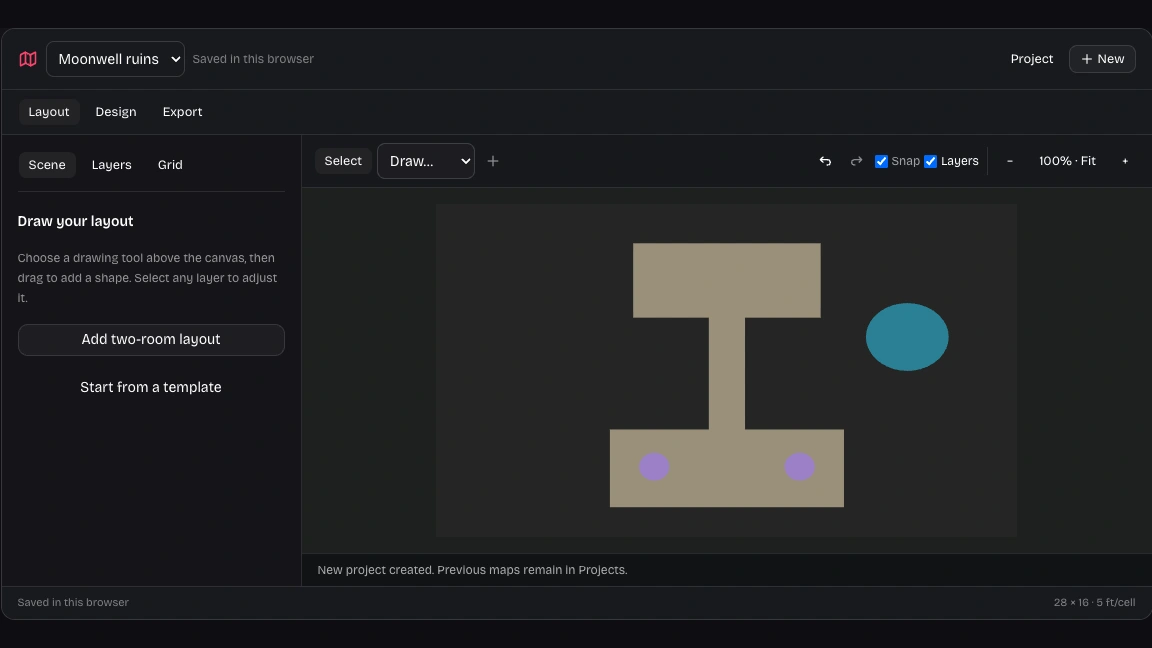
Workspace view
Browser draft · Sign in to sync28 × 16 · 5 ft/cell
History revision 0

From a simple plan to a richer setting

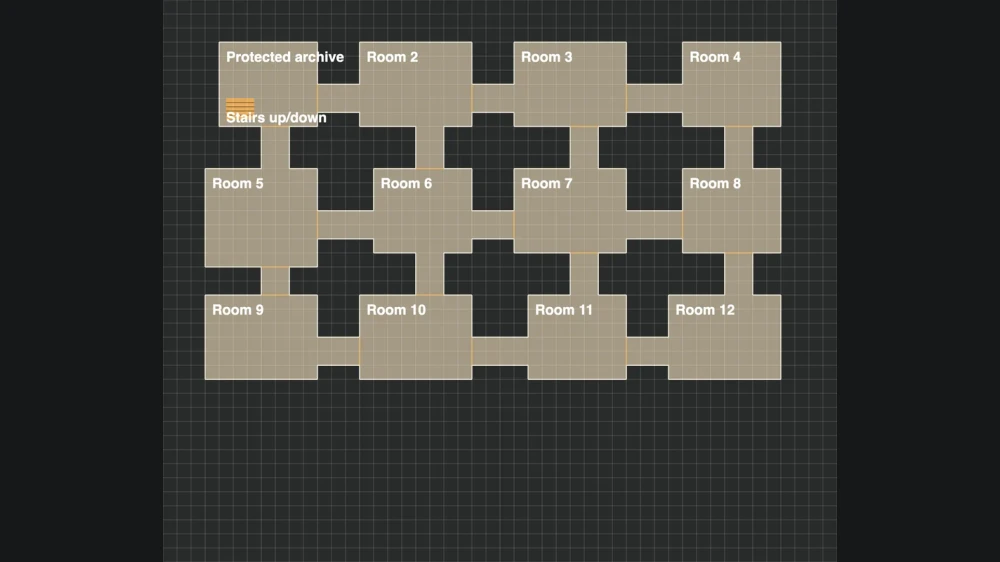
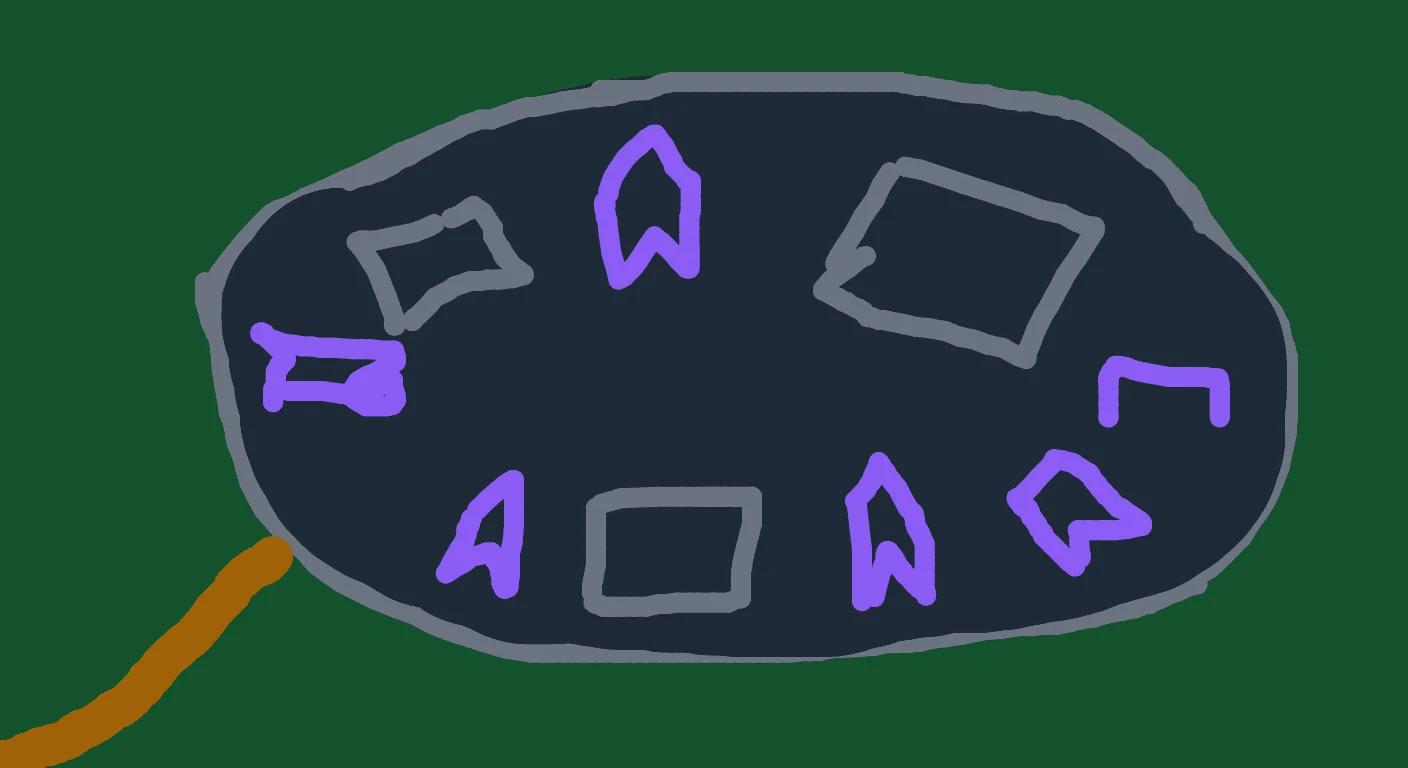
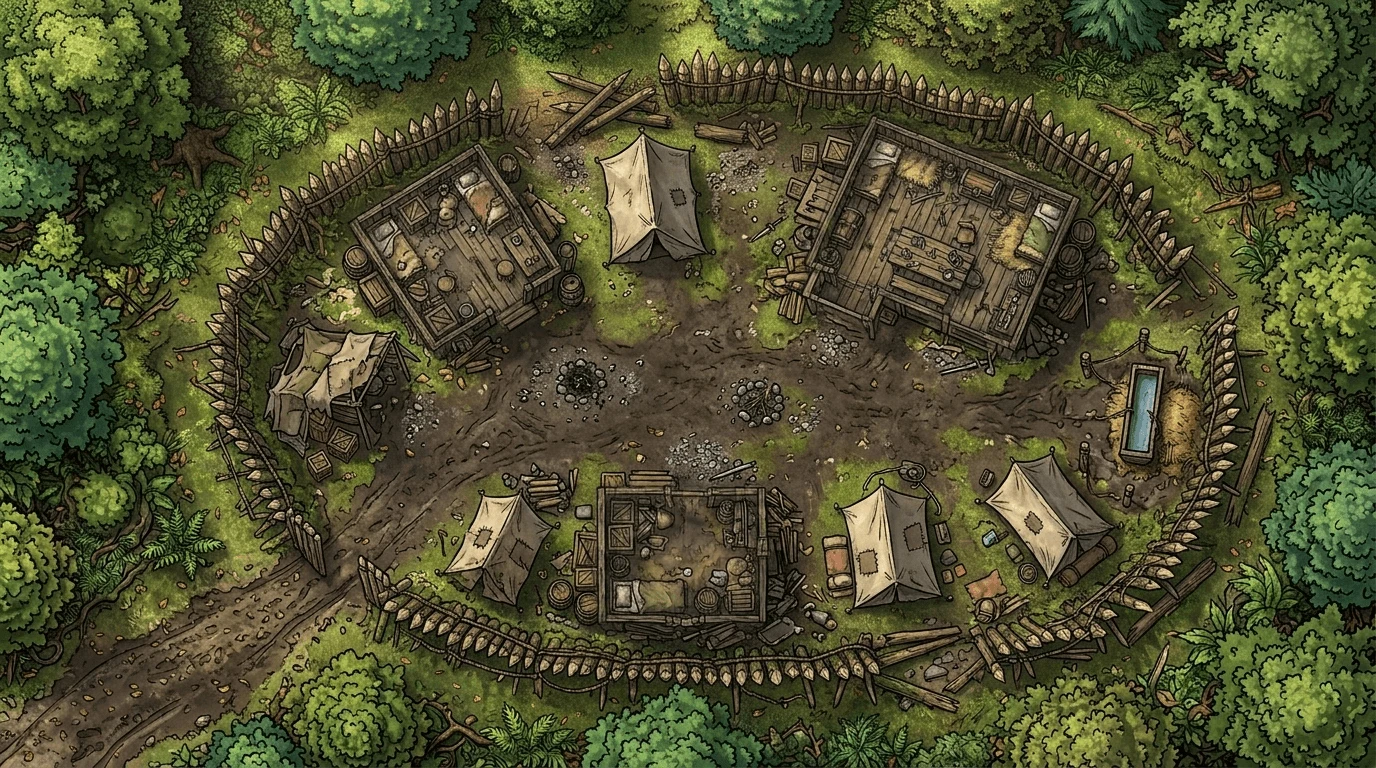
Start with the relationships that matter: the entrance, the hidden chamber, and the route between them.

Layout sketch of The bandit campThe bandit camp: the finished battle map
Finished mapLayout

How the DnD map maker works

Start your map

Plan the important spaces

Open the DnD map maker, describe your location, and arrange the rooms, paths, and landmarks that give the scene its purpose.

Generate and refine the image

Review the generated scene, select a rectangular area when a detail needs changing, and keep the image version that best supports your plans.

Prepare the map for play

Set the grid and manual layers, inspect the player view, and download the appropriate image, project backup, or Universal VTT file.

Inside the DnD map maker

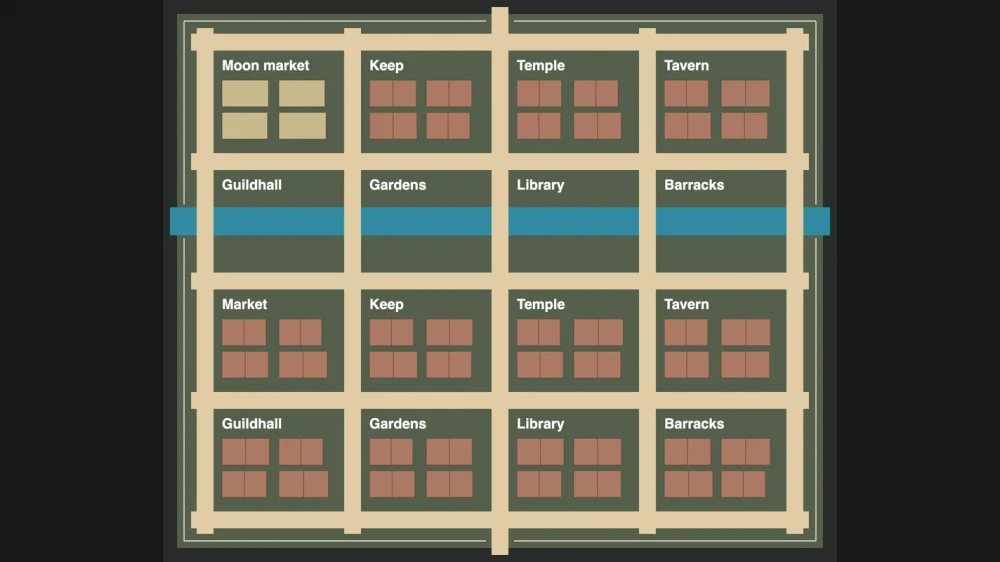
Our map workspace with editable room layout and tactical layers

Give your adventure a clear layout

Use the DnD map maker to arrange rooms, passages, water, and obstacles before generating. A narrow approach or a second entrance can shape the encounter, giving the image a purpose beyond looking impressive.

Create your map
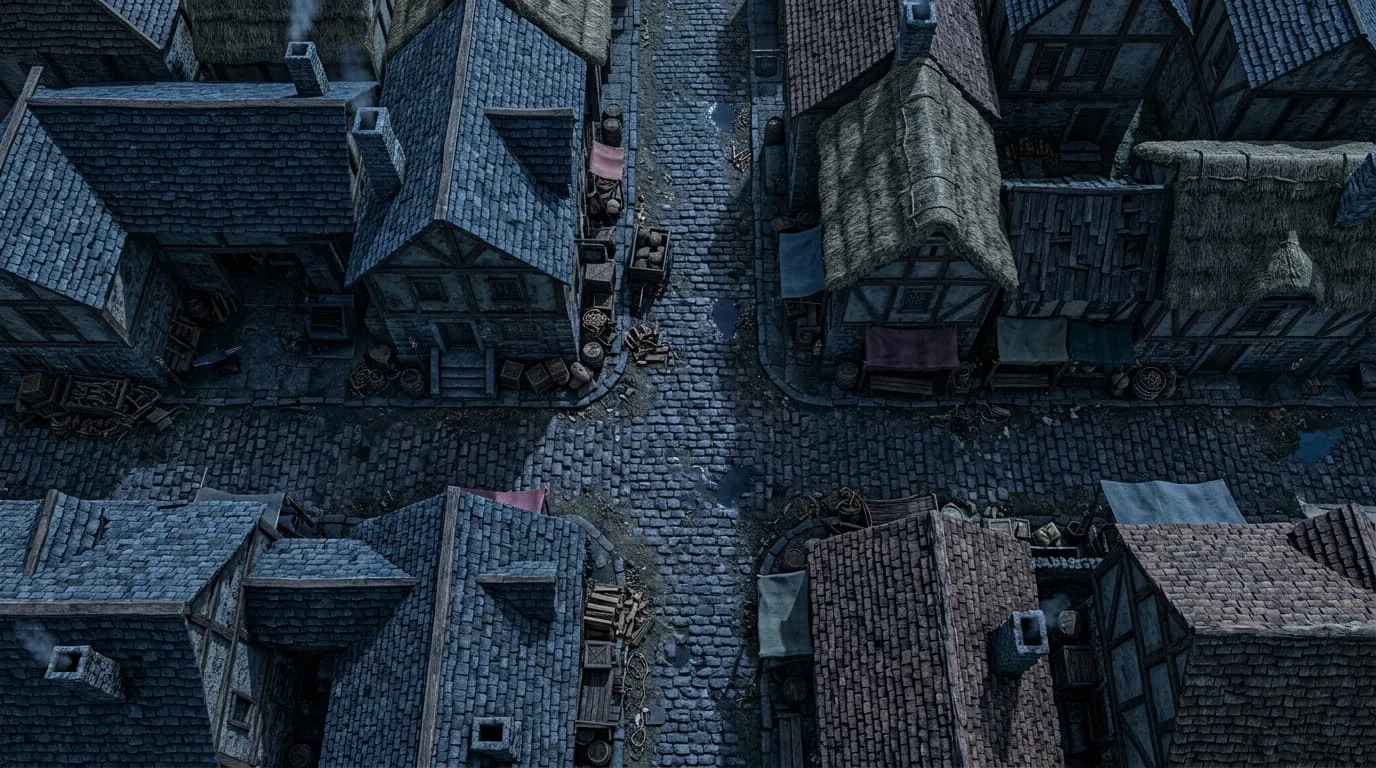
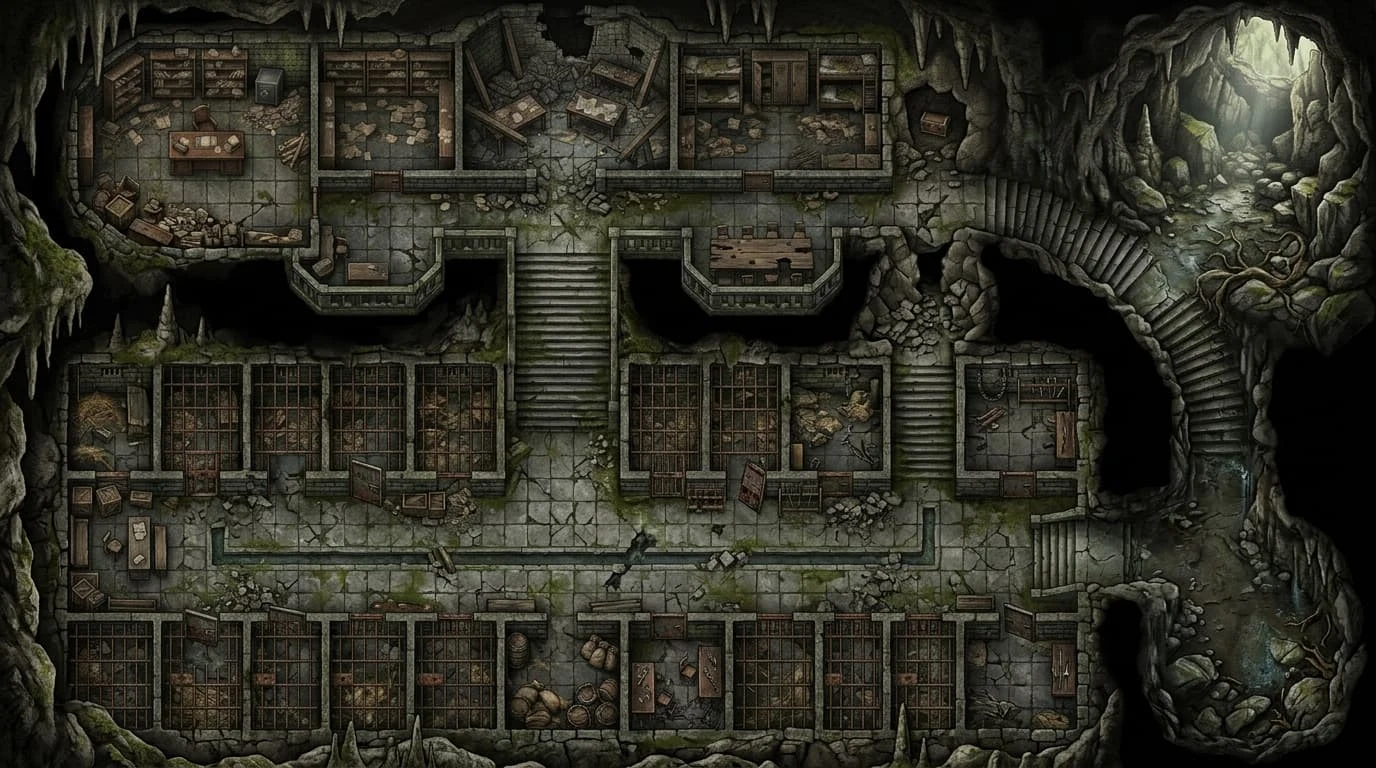
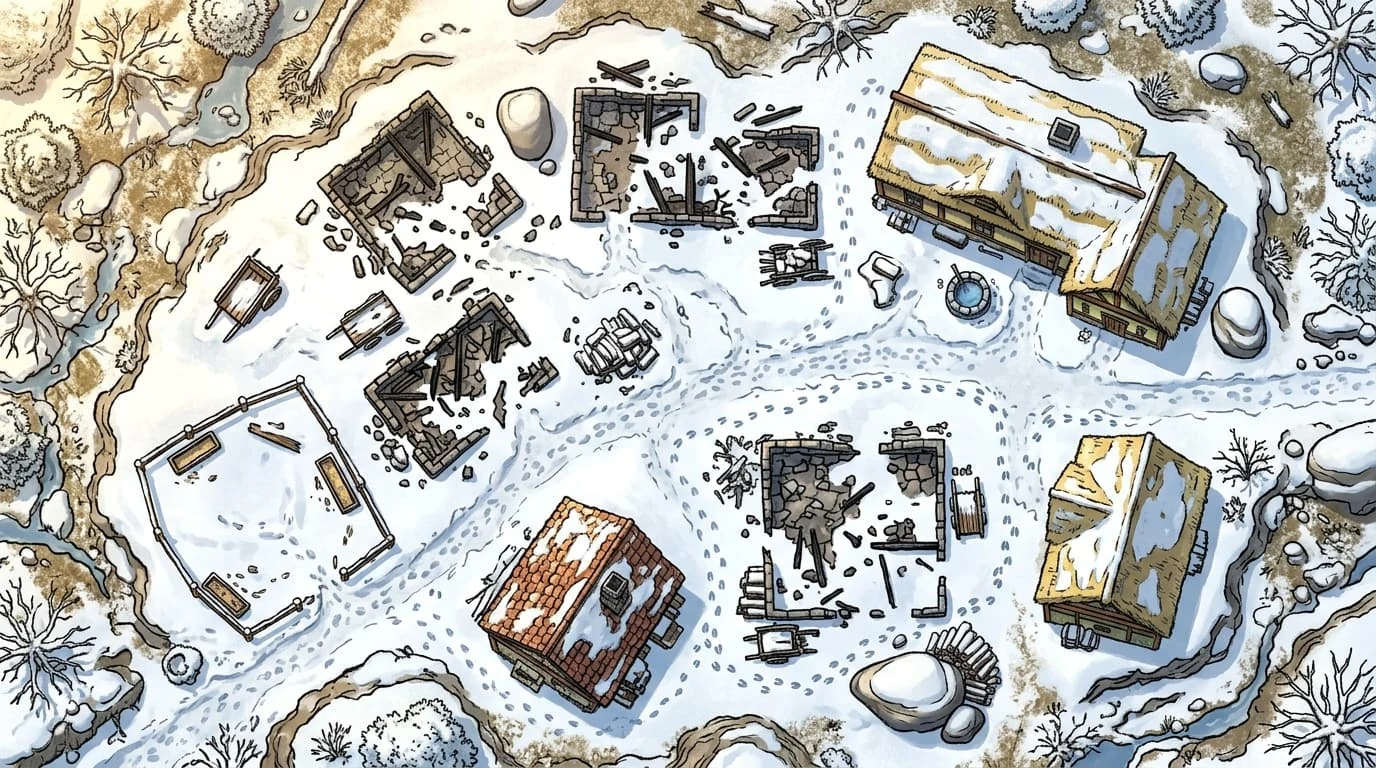
illustration of a cobblestone street and surrounding buildings

Use the DnD map generator for lived in streets

Describe a street through its buildings, surfaces, and important landmarks. Use the DnD map maker to plan where the party can enter, investigate, or turn back; the illustrated street suggests how surrounding architecture can give those choices context.

Create your map
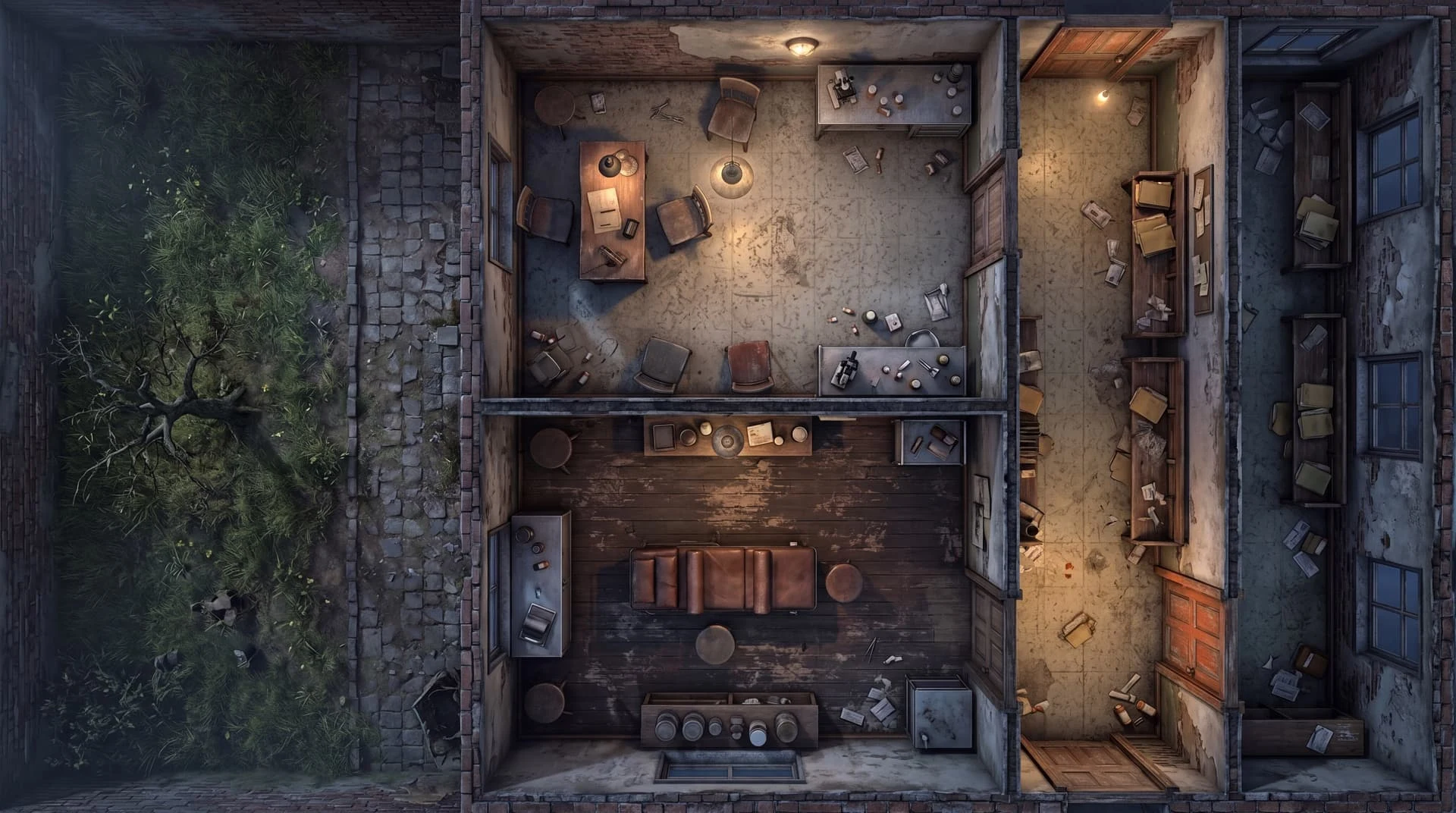
illustration of connected prison rooms and stone corridors

Give a prison more than one story

Plan a guarded cell block, an escape route, or a passage between chambers with the DnD map maker. The illustrated prison suggests a useful starting point: connected rooms whose entrances and corridors create choices for the party.

Create your map
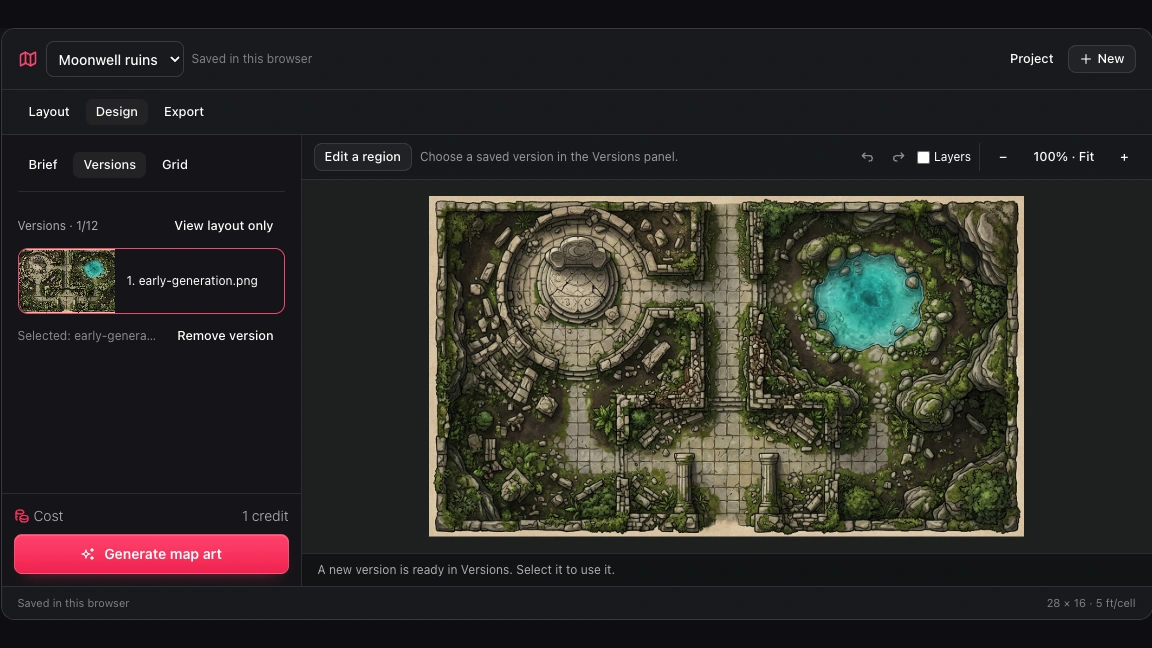
Our map workspace Versions panel showing generated and locally edited images

Keep the version your session needs

Compare saved images and choose your preferred result in the DnD map maker. The versions panel keeps earlier visual directions available alongside the current project, so you can revisit an image without undoing your manual layer adjustments.

Create your map

Why use this DnD map maker?

Keep creative choices connected to the way your group plays. Work from a useful plan, inspect the image, and retain a path back to your editable project.

A place with a purpose

The DnD map maker starts with your adventure: an ambush route, a guarded shrine, or a chamber the party must reach.

Room to reconsider

Try a new visual direction while retaining earlier images. Review the result before choosing which version should become the current map.

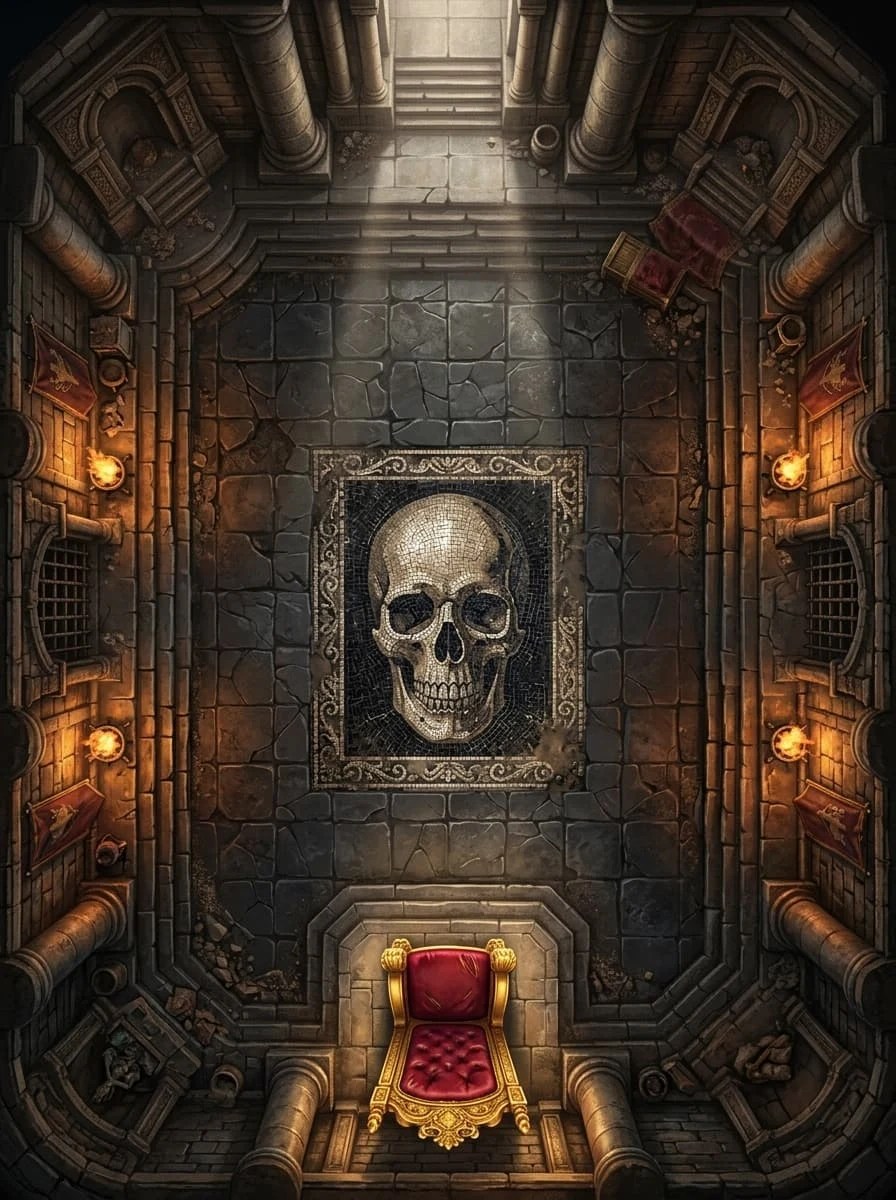
illustration of a torchlit boss chamber with a throne

Preparation you can carry

Save the DnD map maker project to your account and continue on another device. Download an editable backup for an independent copy.

An output for your table

Use a gridded image for measured movement or a player image with hidden guides. Pick the presentation that matches your session.

Questions about the DnD map maker

DnD Map Maker

Bring your next location into focus

Open the DnD map maker and start with the rooms, routes, and details your next session needs.

Create your map