Readable scenes
Check routes, important landmarks, and camera direction. Image generation can reinterpret geometry and needs your review.
About DnD Map Maker
Tools for game masters who want to plan rooms and routes, revise individual details, and bring a prepared map to their next tabletop session.
“Start with the choices your players will face, then build a place where those choices make sense.”
Why this tool
A memorable location starts with relationships: an entrance that exposes the party, a passage worth guarding, or a room with more than one way out. Attractive artwork should support that plan.
DnD Map Maker brings layout planning, image generation, local revisions, version selection, and tactical exports into one workspace. Manual layers remain separate from image history so you can adjust how the location plays.
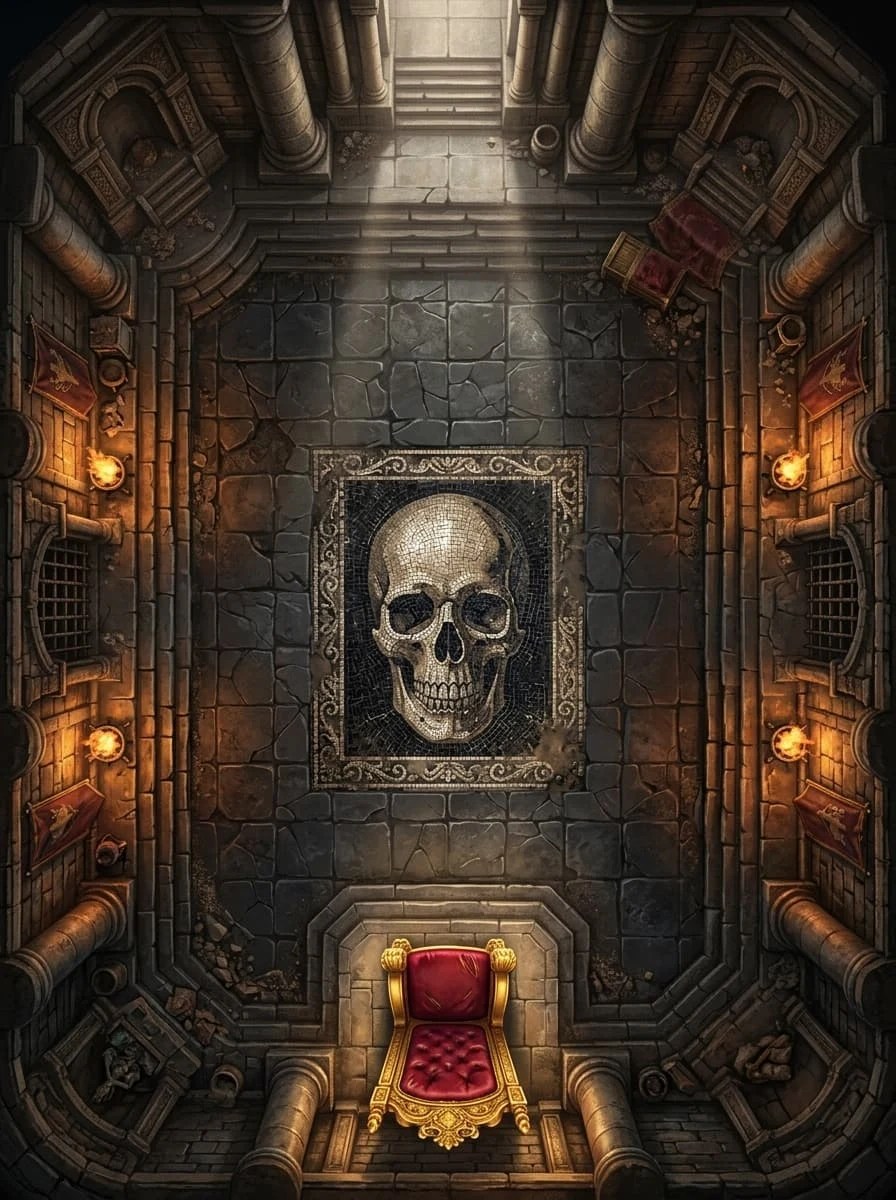
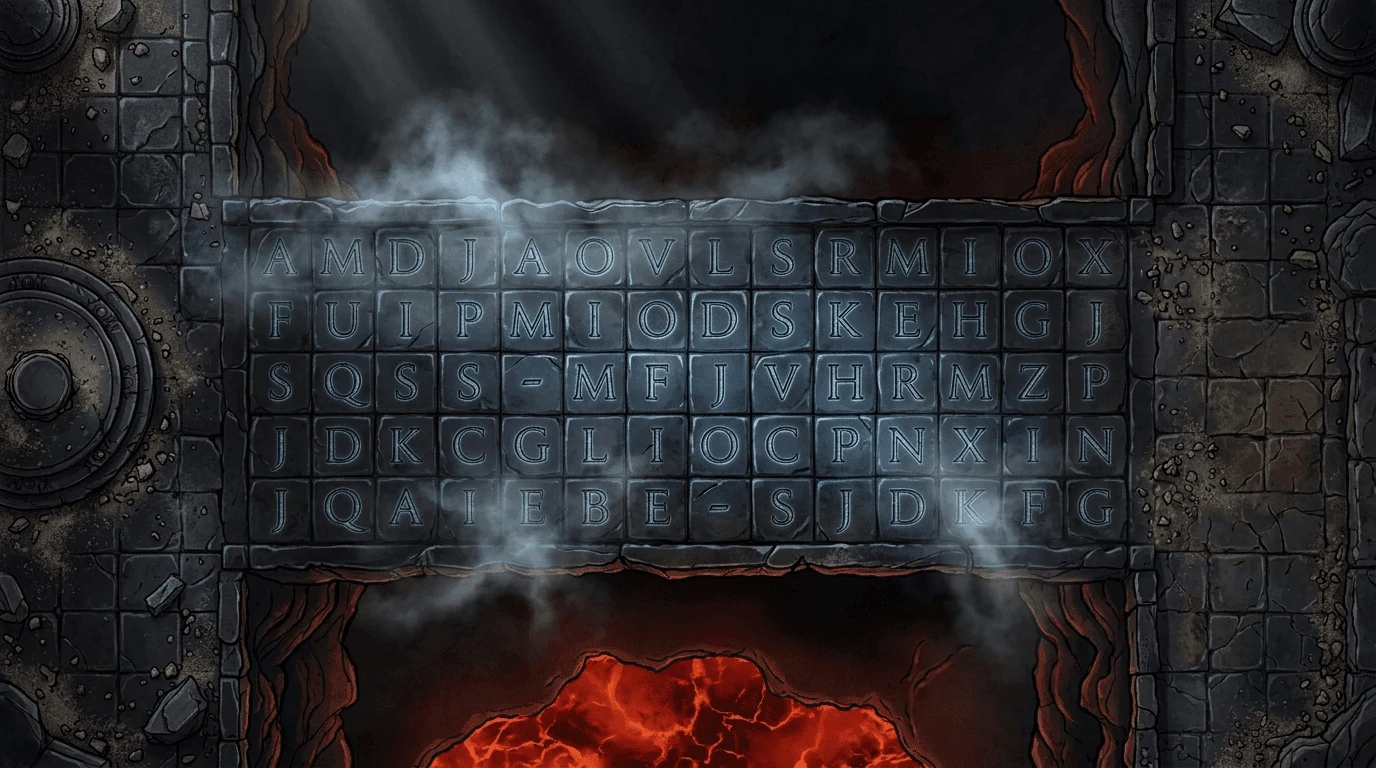
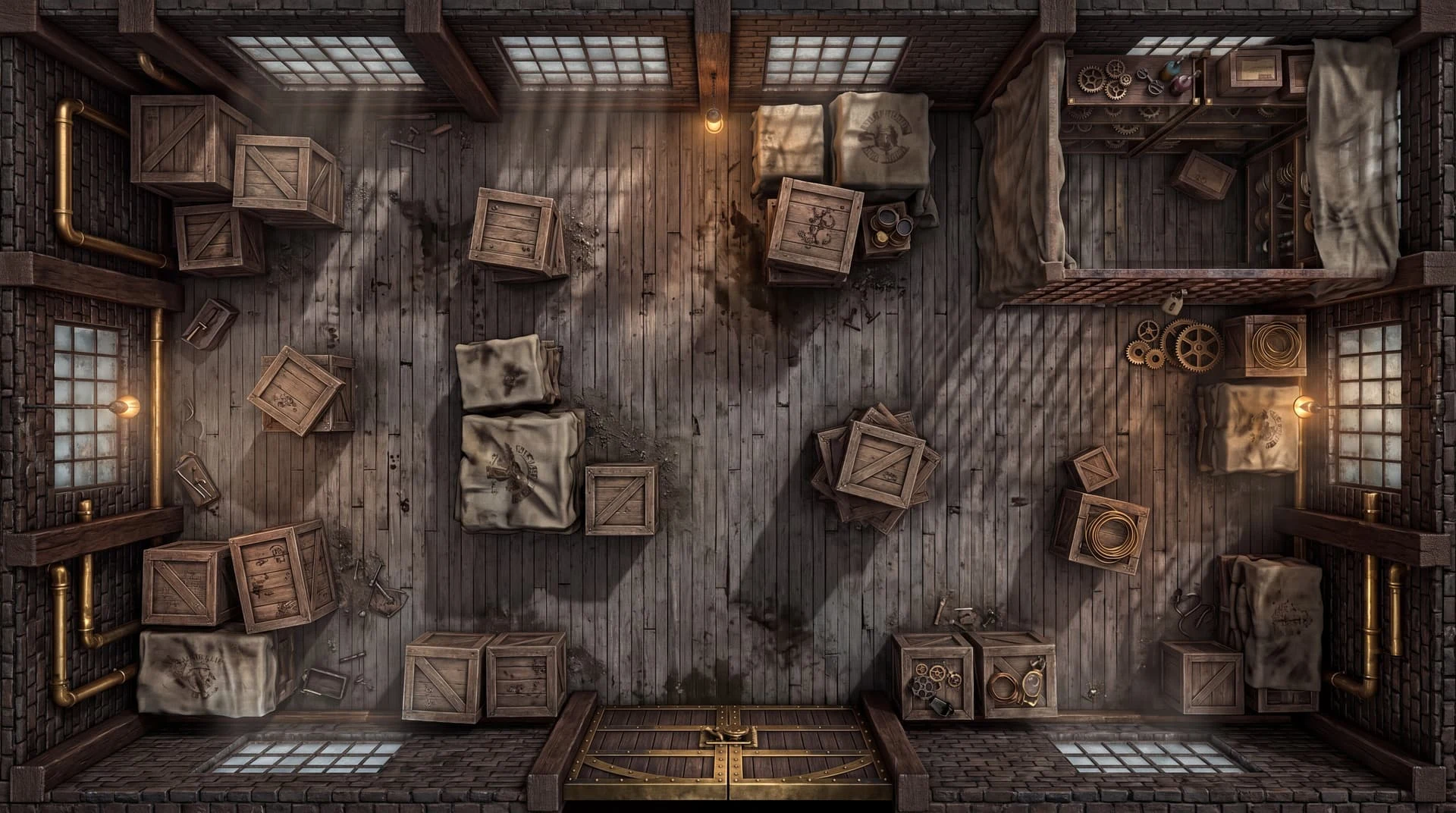
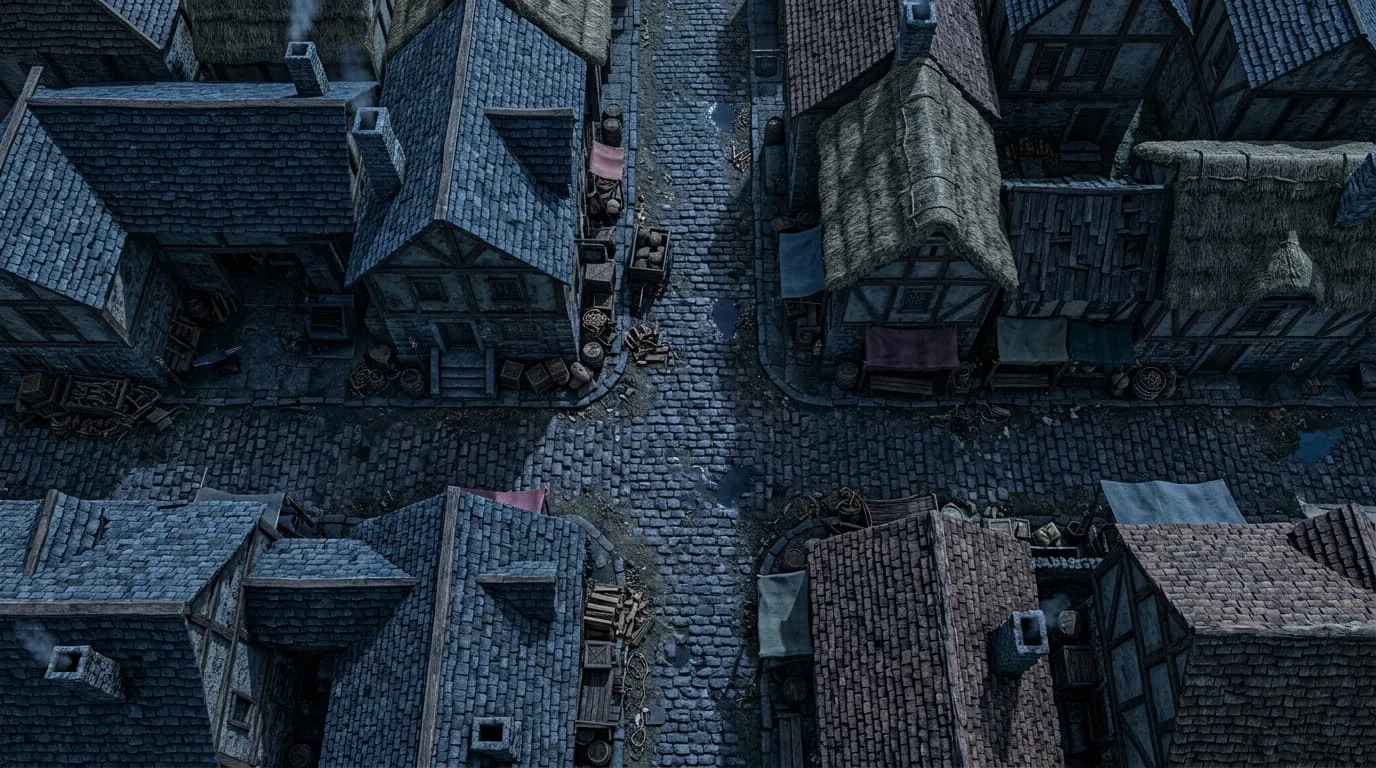
What you can make
Plan a location, refine its image, and prepare the layers and downloads you need for a tabletop session.
Describe a fantasy, modern, or science fiction location and use your layout to guide a top down scene.
Select a rectangular area and describe a replacement while preserving the image pixels outside the selection.
Arrange rooms and routes, choose grid dimensions, and move individual layers when exact tactical positions matter.
Download gridded or player PNG images, an editable project backup, or Universal VTT data with supported wall and door geometry.
Sign in to save projects privately to your account and continue on another device. Download editable backups for an independent copy.
Our purpose
We want map preparation to keep creative choices in your hands. A useful scene needs readable routes, meaningful obstacles, and an output you can inspect before play.
Check routes, important landmarks, and camera direction. Image generation can reinterpret geometry and needs your review.
Plan, edit, and export for a real session. Keep editable backups of maps you want to revisit.
Revise a selected area without rebuilding the entire picture, and compare saved image versions.
Your brief, layout, and editing decisions guide the scene. Review the result before choosing what to keep.
Start with a room, route, or encounter idea. Open the workspace to plan its layout, refine the image, and prepare an export.
Questions or support? Email support@dndmapmaker.com