RPG Map Maker for Worlds Beyond One Ruleset

RPG map maker for fantasy ruins, modern interiors, and science fiction locations. Shape the scene around your campaign, choose a visual direction, revise individual areas, and keep useful versions for the sessions ahead.

DnD Map Maker logo
Workspace view
Browser draft · Sign in to sync28 × 16 · 5 ft/cell
History revision 0

One clear layout, many possible worlds

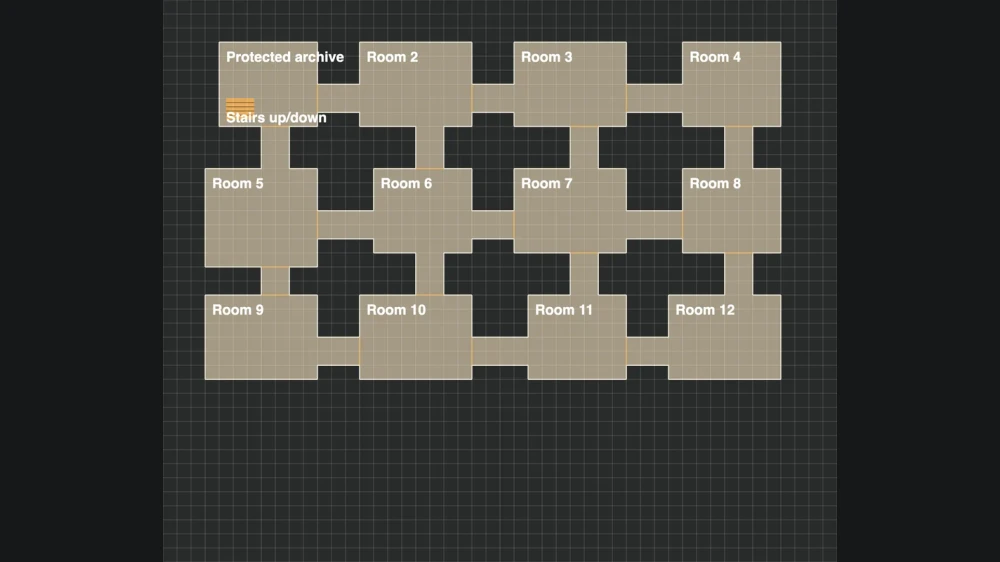
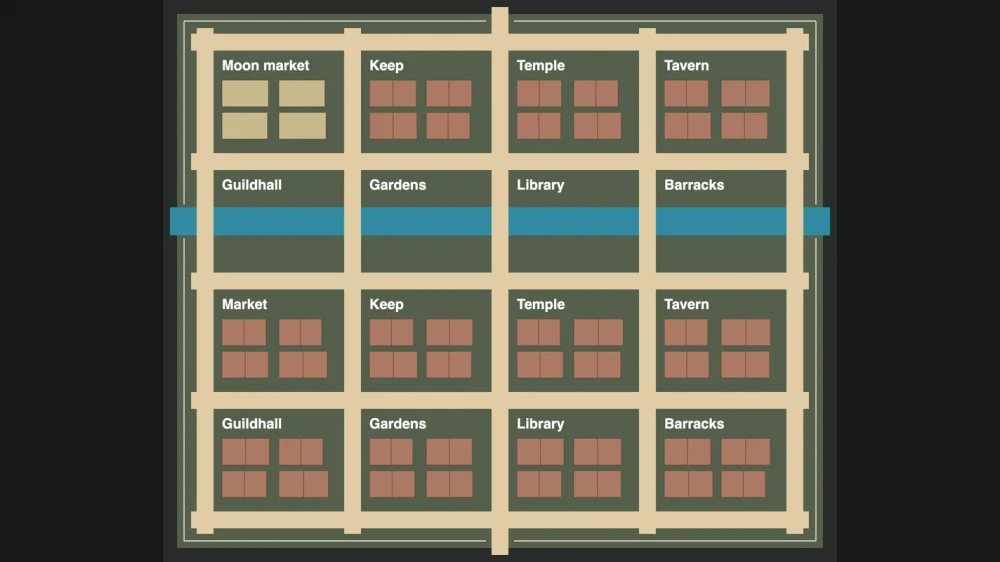
A room and a connecting passage can become a shrine, a research station, or a modern archive.

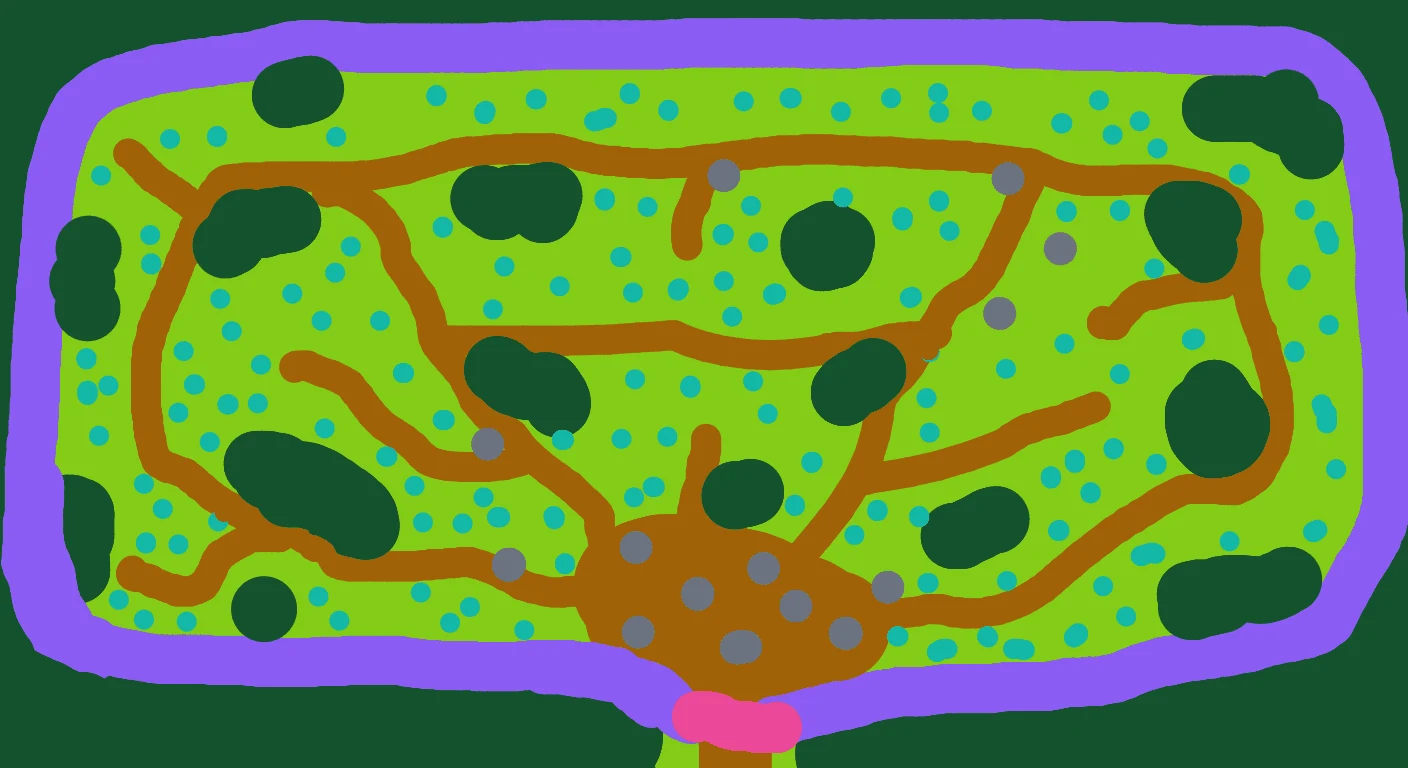
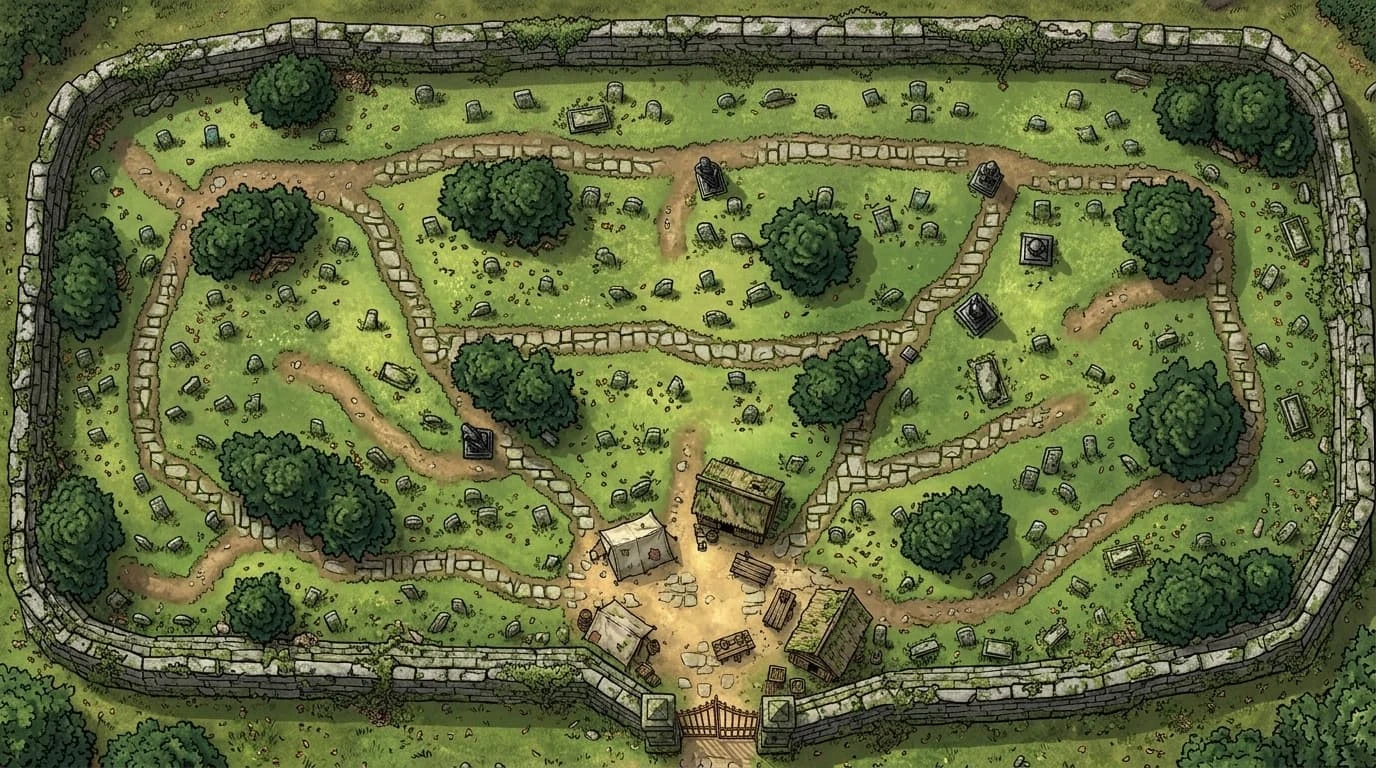
Layout sketch of Salmarez Graveyardillustration of a walled graveyard with paths and trees
Finished mapLayout

How the RPG map maker works

Start your map

Plan the important spaces

Open the RPG map maker, describe your location, and arrange the rooms, paths, and landmarks that give the scene its purpose.

Generate and refine the image

Review the generated scene, select a rectangular area when a detail needs changing, and keep the image version that best supports your plans.

Prepare the map for play

Set the grid and manual layers, inspect the player view, and download the appropriate image, project backup, or Universal VTT file.

Inside the RPG map maker

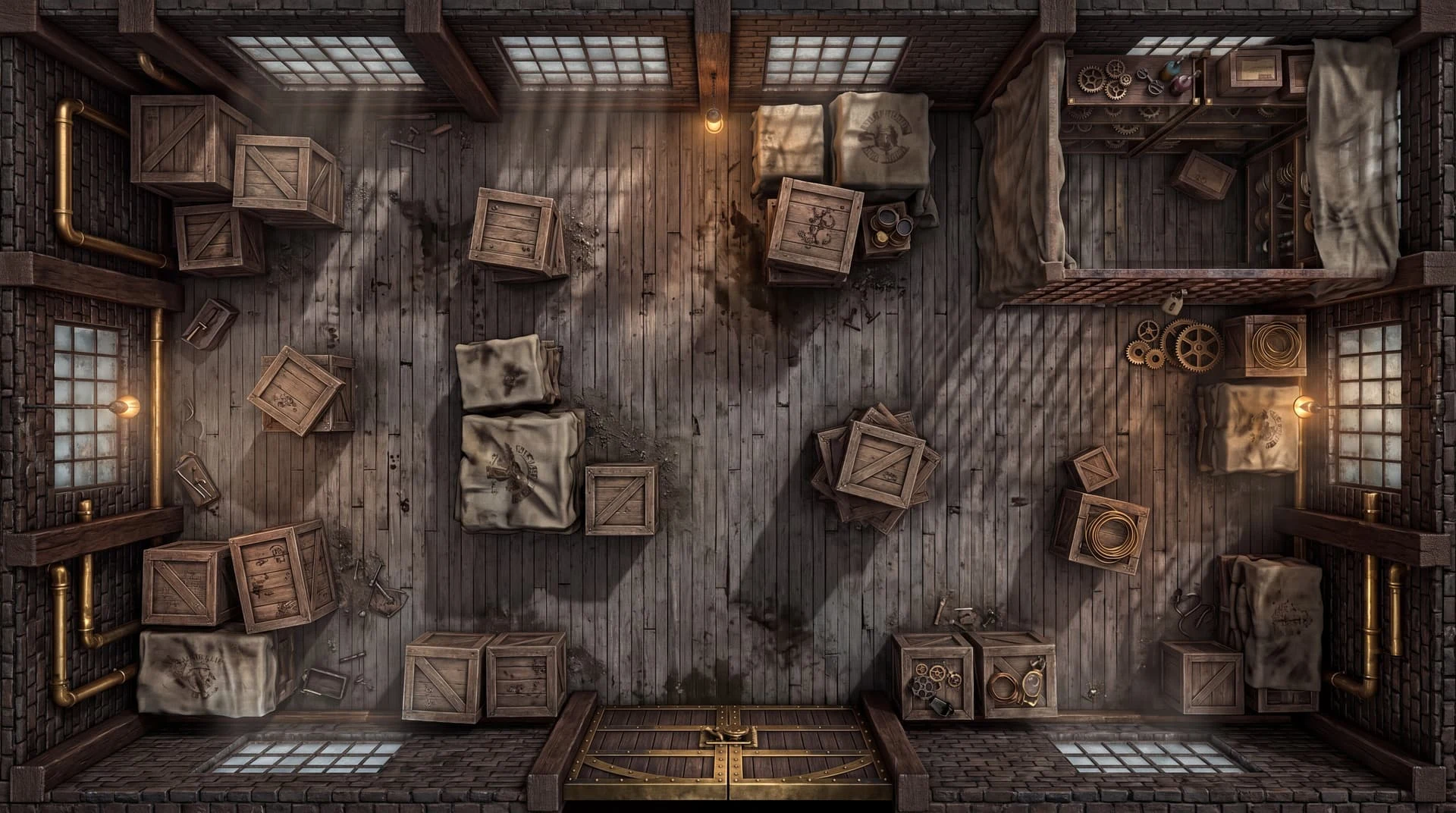
illustration of a warehouse with crates and open aisles

Make an industrial location worth exploring

Describe loading areas, storage aisles, and important equipment in the RPG map maker. The illustrated warehouse shows how a practical interior can suggest routes and obstacles, whether your campaign calls for an investigation, infiltration, or hurried escape.

Create your map
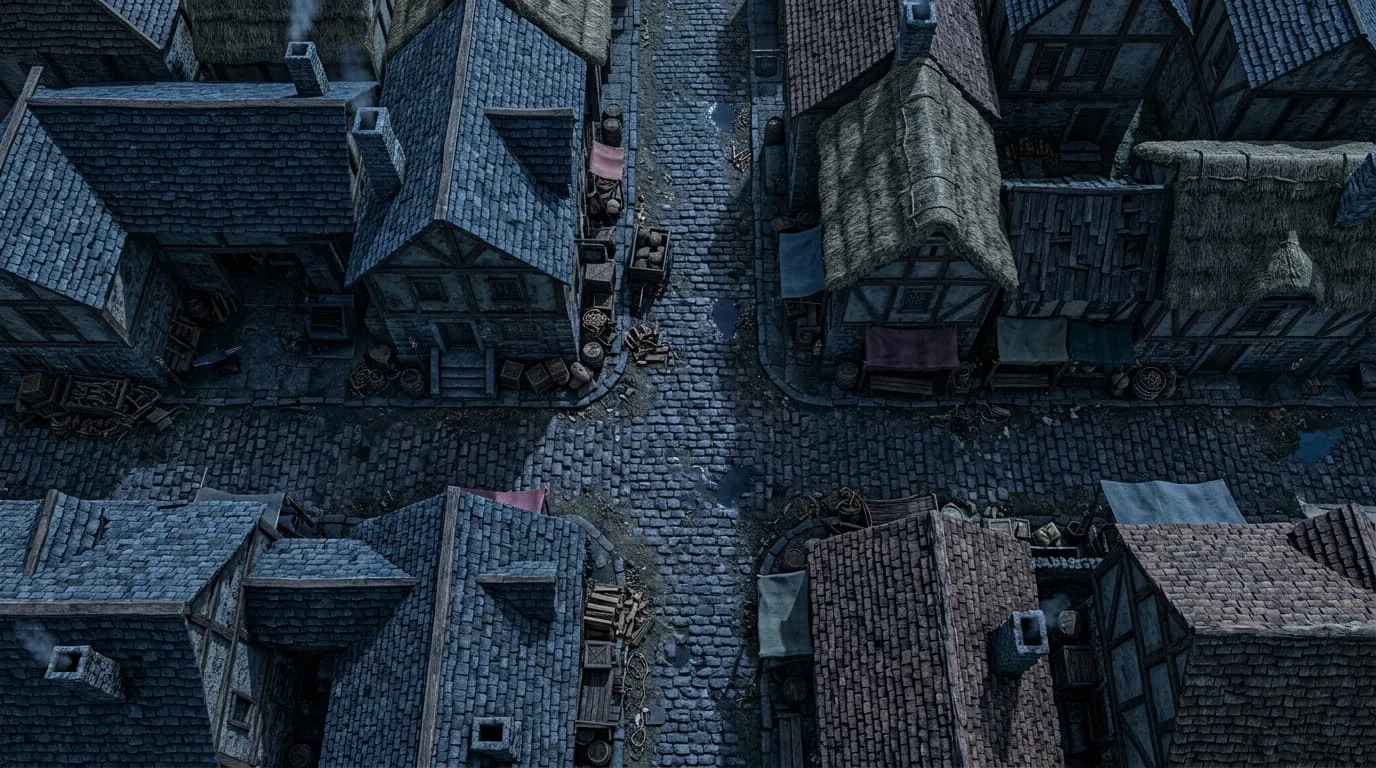
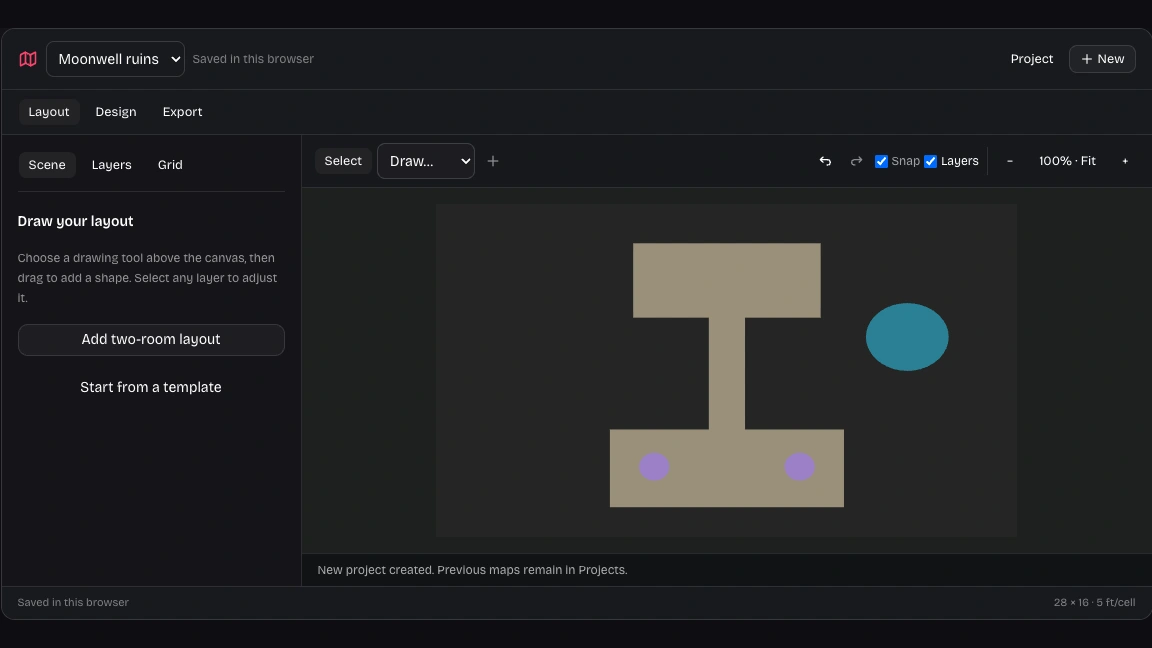
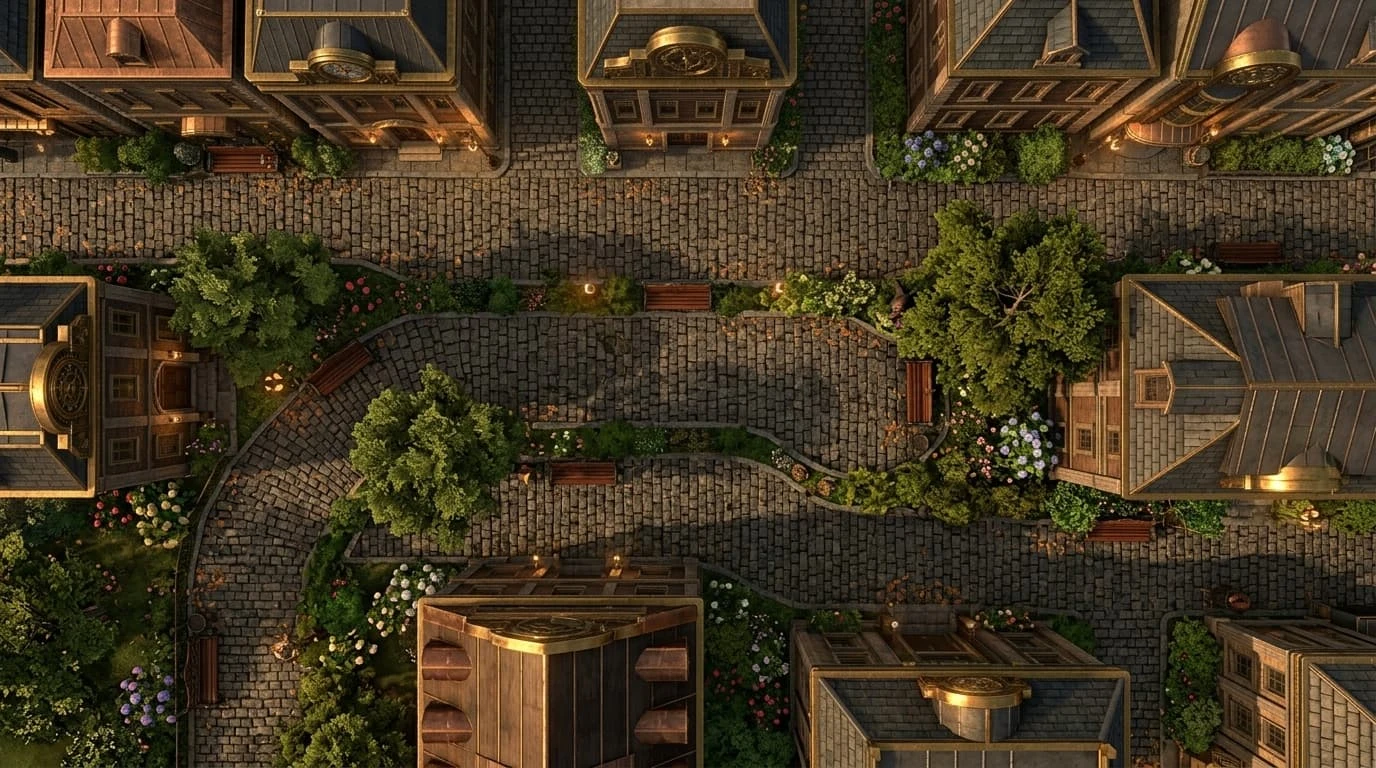
illustration of a cobblestone street and surrounding buildings

Build a street around your next scene

Use the RPG map maker to plan an outdoor location around entrances, junctions, and surrounding buildings. The illustrated street suggests spaces for pursuit or investigation; your brief determines which landmarks matter to the story your group is playing.

Create your map
Our map workspace with editable room layout and tactical layers

Give the scene a readable layout

Arrange rooms, routes, water, and obstacles in the RPG map maker before generating the image. The layout workspace lets you position these elements directly, giving the scene a structure to inspect and revise as your campaign develops.

Create your map
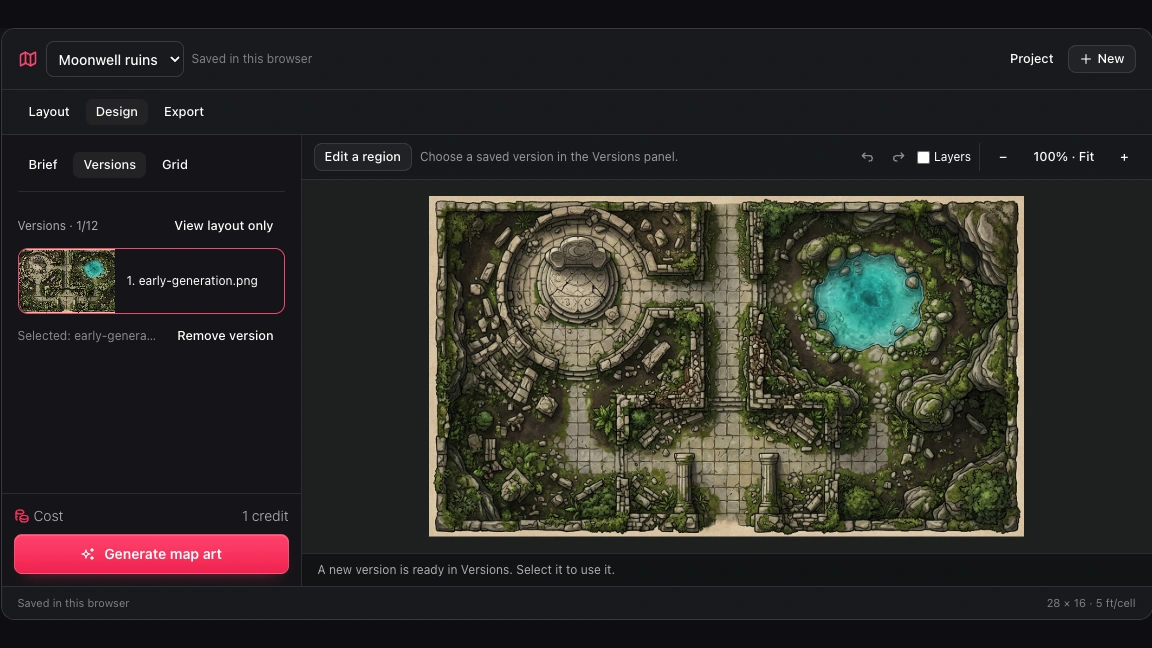
Our map workspace Versions panel showing generated and locally edited images

Choose the image that fits the session

Use the RPG map maker versions panel to compare saved images and return to an earlier visual direction. Choosing an image leaves your current grid and manual layers in place, keeping artwork selection separate from tactical preparation.

Create your map

Why use this RPG map maker?

Keep creative choices connected to the way your group plays. Work from a useful plan, inspect the image, and retain a path back to your editable project.

One place for different settings

Use the RPG map maker for a fantasy expedition, a station investigation, or a modern archive without switching to another editing workflow.

A brief you can judge

Name the rooms, routes, and objects that matter. Evaluate the generated scene against those requirements before deciding what to revise.

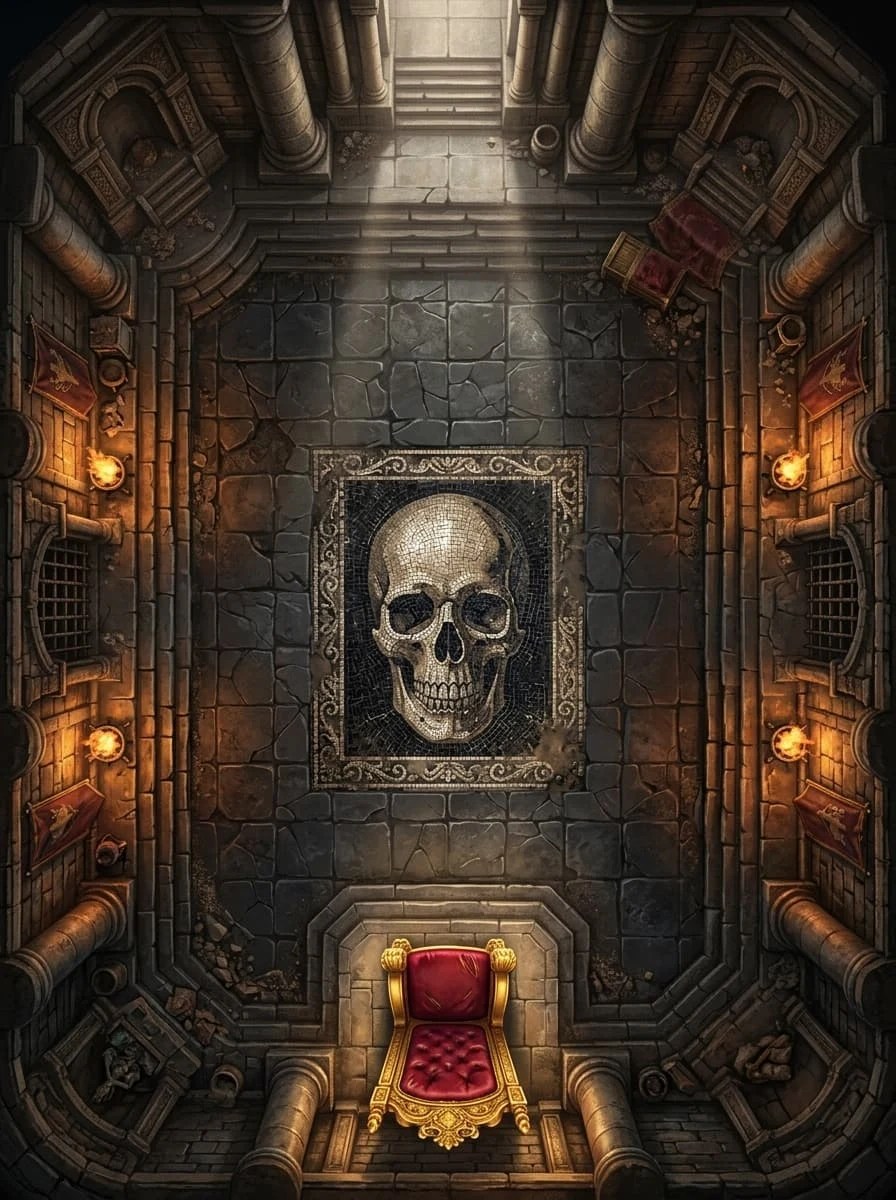
illustration of a torchlit boss chamber with a throne

Alternatives without lost direction

Keep previous images while trying another atmosphere or local replacement. Select the version that fits the current story rather than the latest result.

Projects you can move

Download an editable backup from the RPG map maker when you finish important work. Import it later to continue in another browser.

Questions about the RPG map maker

DnD Map Maker

Bring your next location into focus

Open the RPG map maker and start with the rooms, routes, and details your next session needs.

Create your map