Dungeon Generator for Editable, Multi-Floor Maps

A dungeon generator for connected, editable maps. Choose rooms and floors, adjust the passages, and add optional artwork when the structure fits your adventure.

DnD Map Maker logo
Workspace view
Browser draft · Sign in to sync48 × 40 · 5 ft/cell
History revision 0

From a rough plan to an underground scene

Use a spatial plan to decide where the party can go.

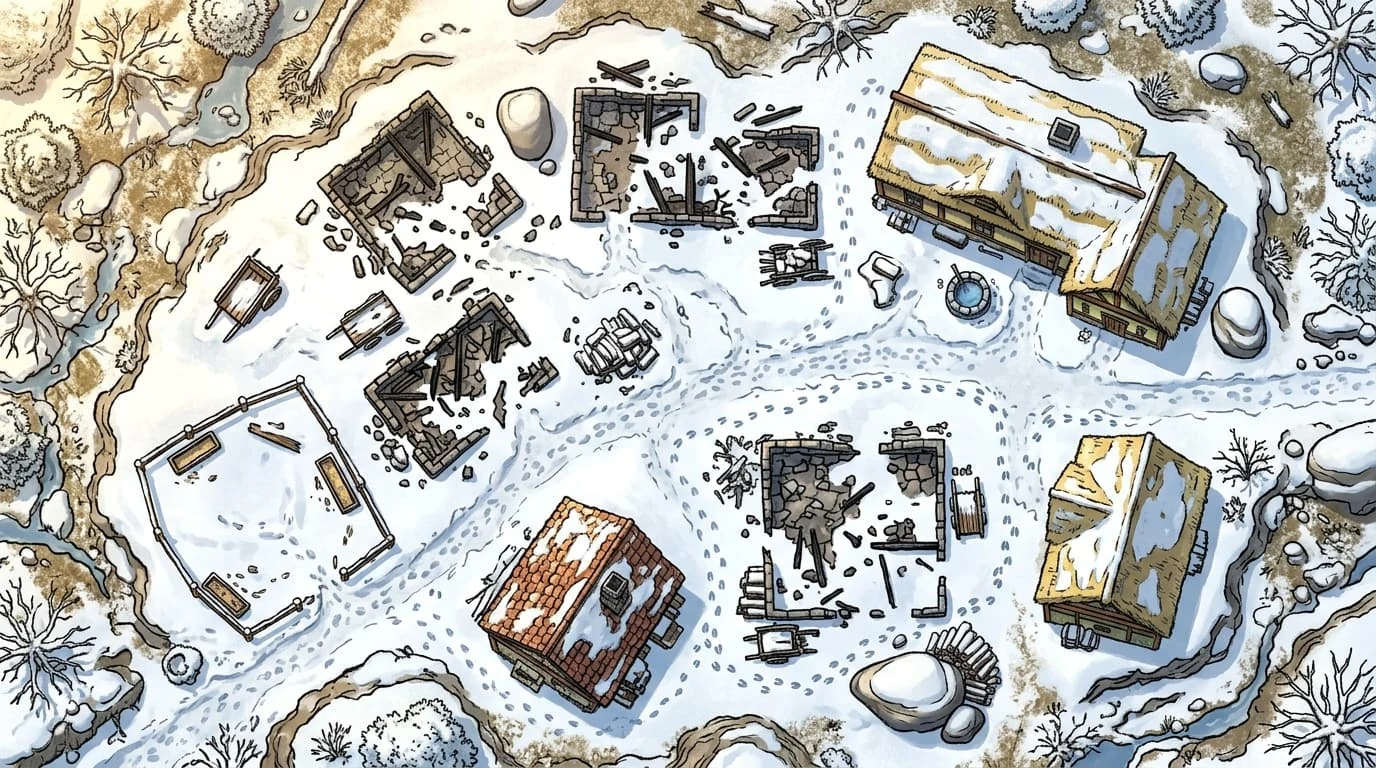
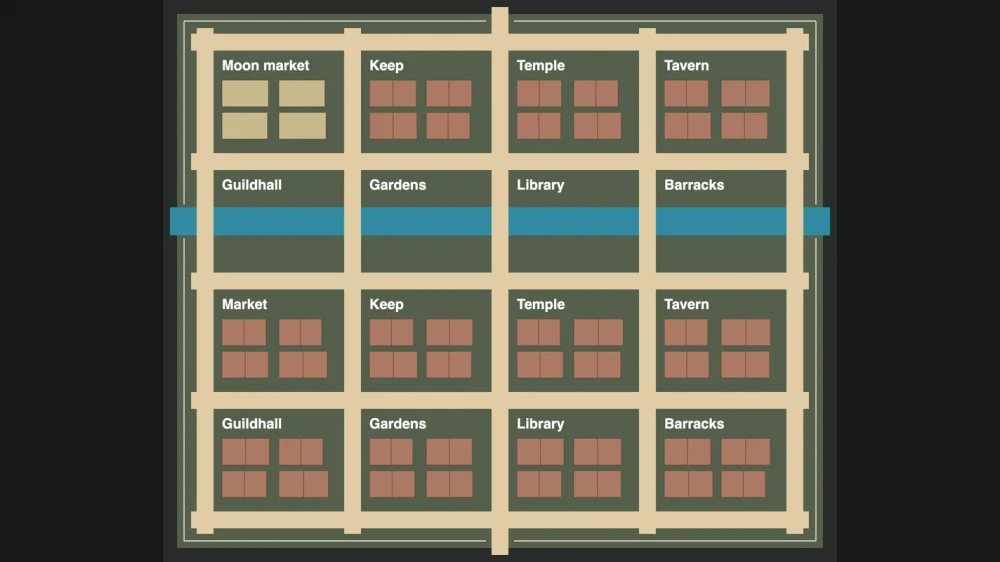
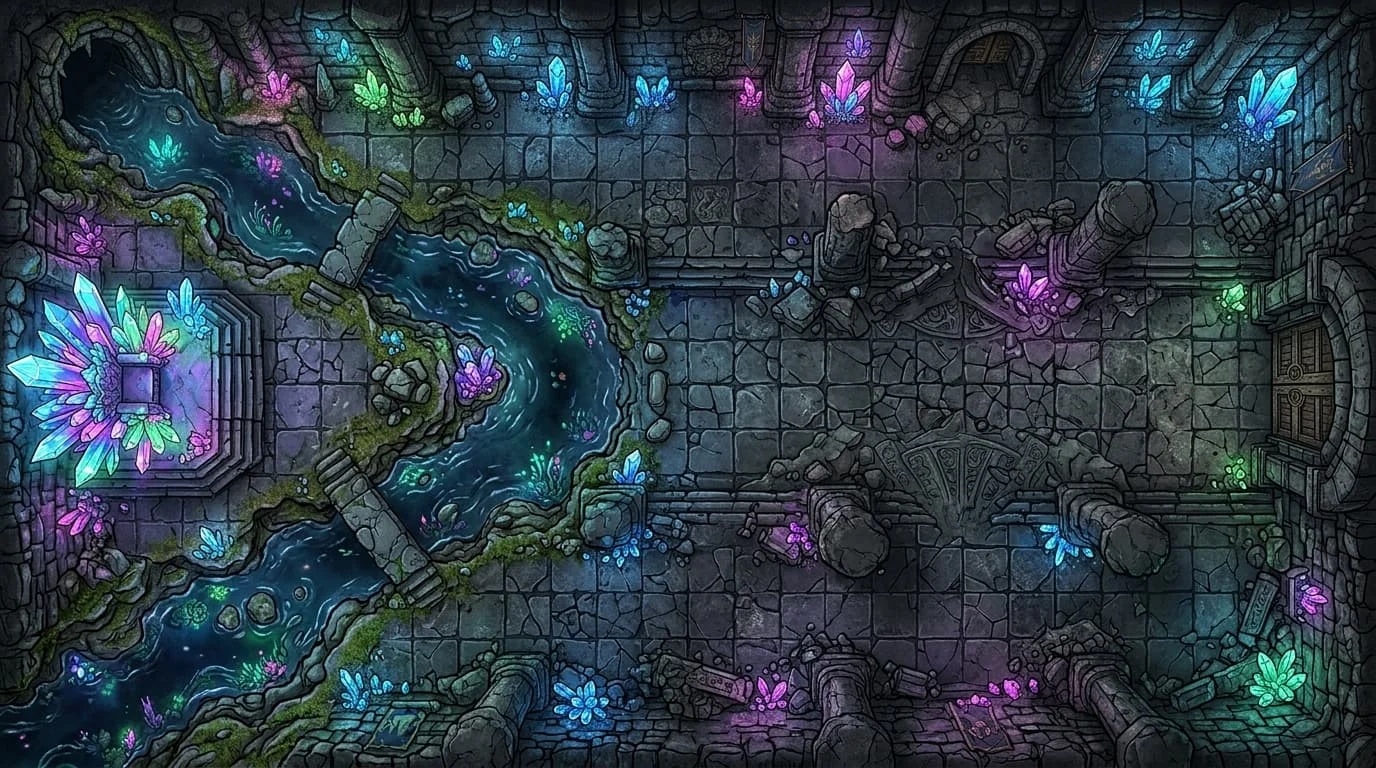
Cave ruins layout sketchCave ruins illustration
Finished mapLayout

How the dungeon generator works

Build your map

Set the size of your adventure

Choose four to sixteen rooms and up to three floors. The dungeon map maker connects the passages and keeps your previous project separately.

Make the layout your own

Move a doorway, rename a chamber, or draw another route. Switch floors in the dungeon generator without replacing the changes on another level.

Take a useful map to play

Choose the grid and distance scale in the dungeon generator. Export the current floor, and download an editable project backup for the complete location.

Inside the dungeon generator

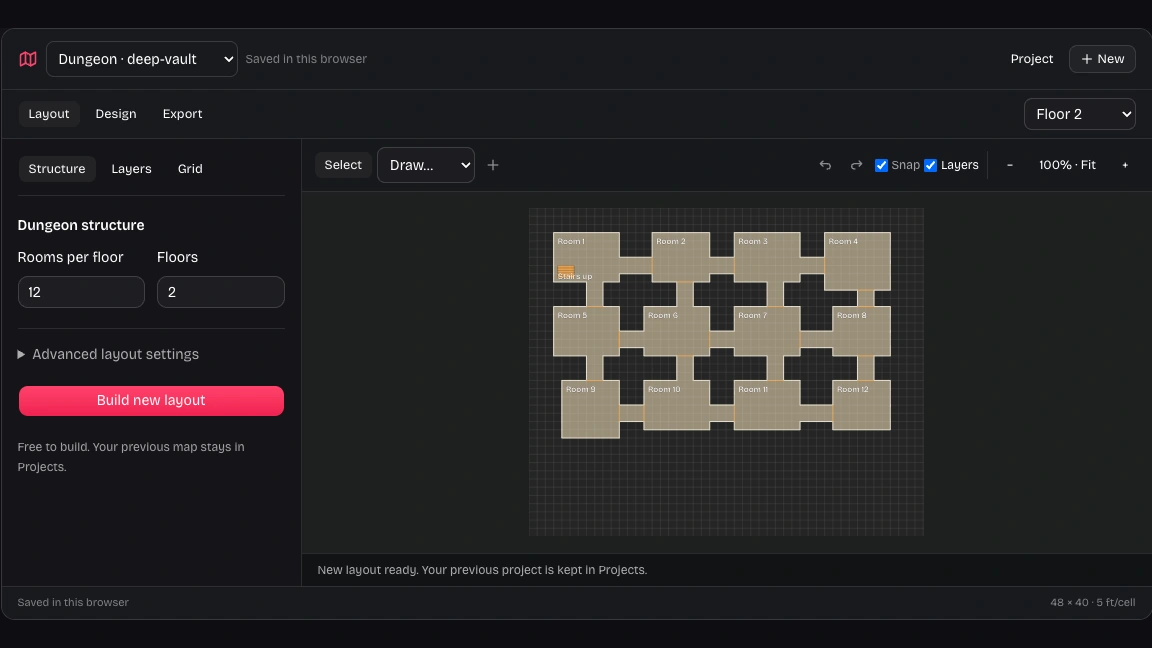
Our dungeon generator showing connected rooms and the layout settings

A dungeon map maker with connected rooms

Start with a route through the location. The dungeon generator connects rooms so you can inspect chokepoints, place a guarded entrance, and adjust the approach to your final chamber before adding encounter details.

Try this layout
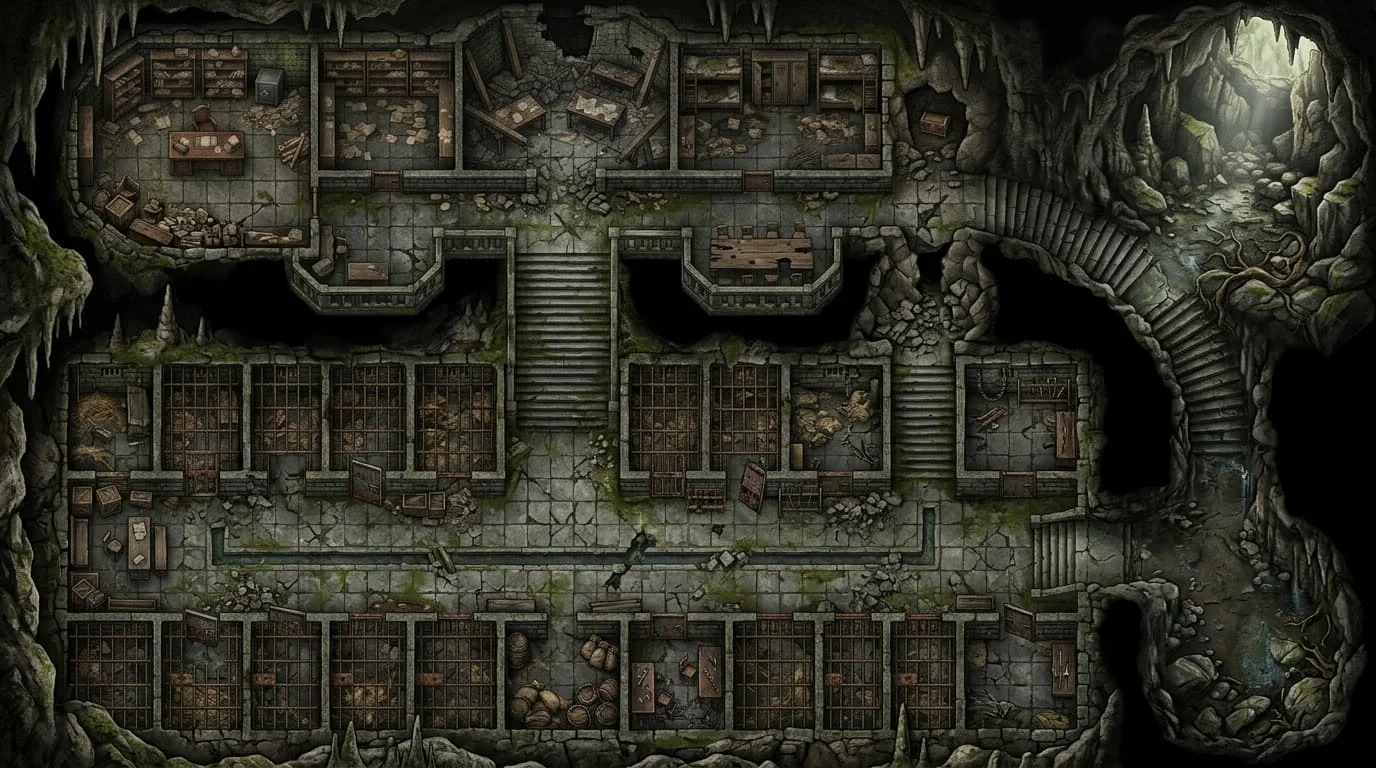
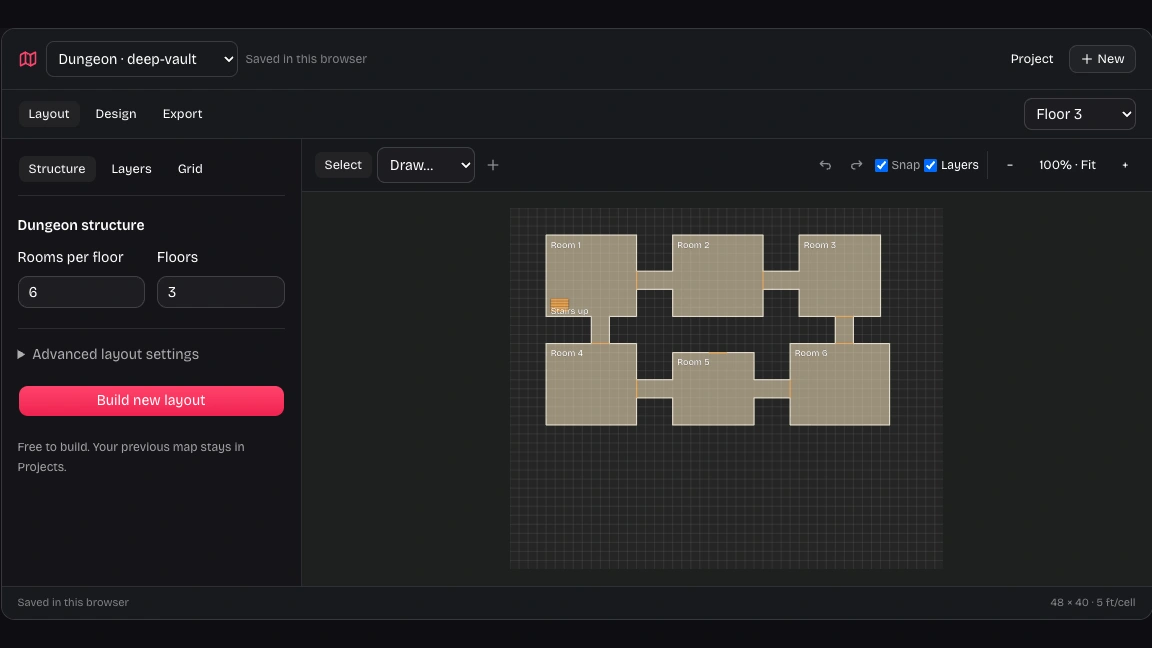
illustration of a prison with linked rooms and passages

Choose routes with the DnD dungeon generator

Choose branching passages for direct exploration or loops for alternative approaches. Rooms, corridors, walls and doors remain editable, letting you adapt a first arrangement into a crypt, prison or stronghold with your own decisions.

Try this layout
Our dungeon generator showing a separate lower floor and its floor selector

Edit each dungeon generator floor independently

Prepare the entrance level and lower vault separately. Each floor retains its own layers and selected artwork, so moving a door or changing an illustration on one level preserves the work on the others.

Try this layout
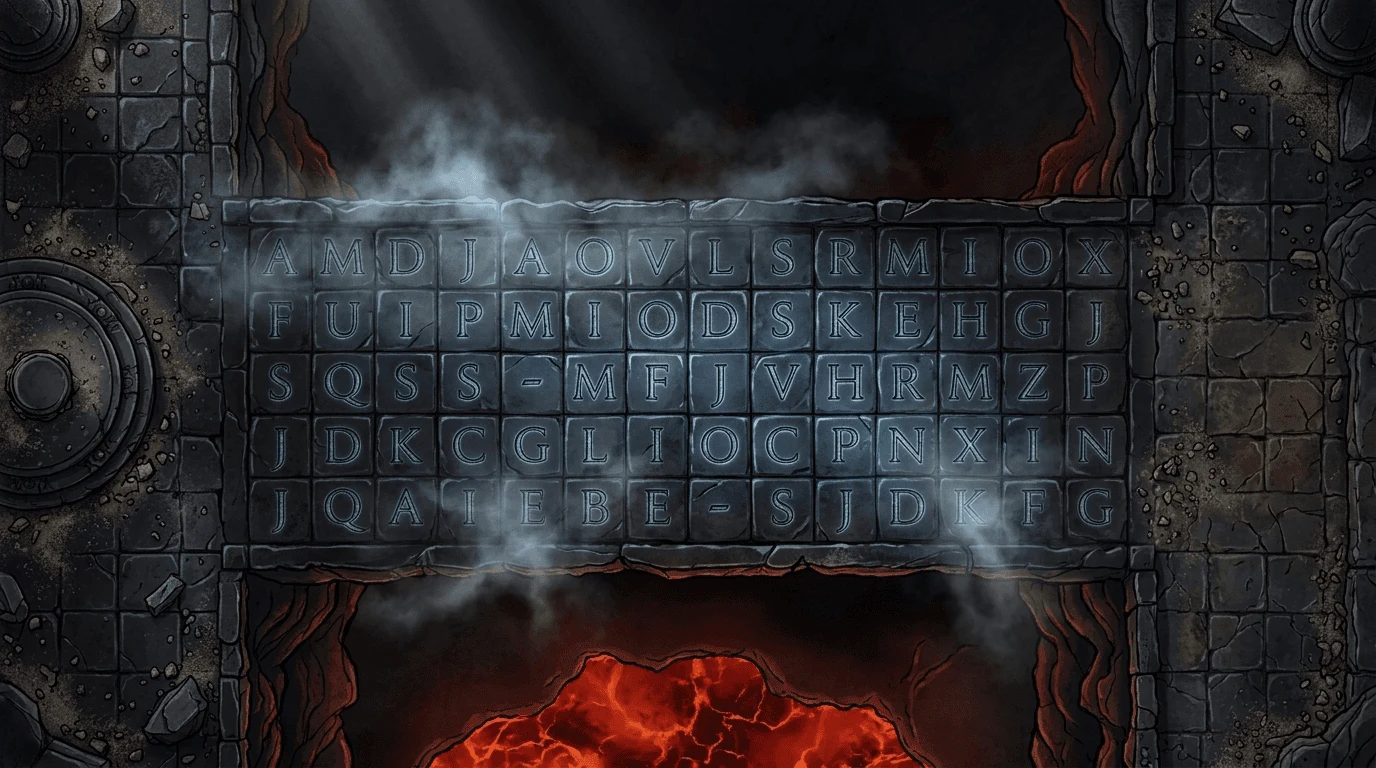
illustration of a stone bridge over an underground lava chasm

Add artwork after the structure is settled

Once the dungeon map generator has connected your rooms, switch to Design for optional artwork. Compare the illustration against your editable geometry and keep that structure for precise distances and route planning.

Try this layout

Why choose this dungeon generator?

Spend preparation time on the decisions your players will notice. Keep a clear route, preserve useful work, and choose the amount of visual detail your next session needs.

A playable starting point

Let the dungeon generator handle initial room connections while you decide where the party enters and which chamber matters most.

New ideas without lost work

Build another layout as a separate project. Keep the earlier arrangement available while comparing routes for a later session.

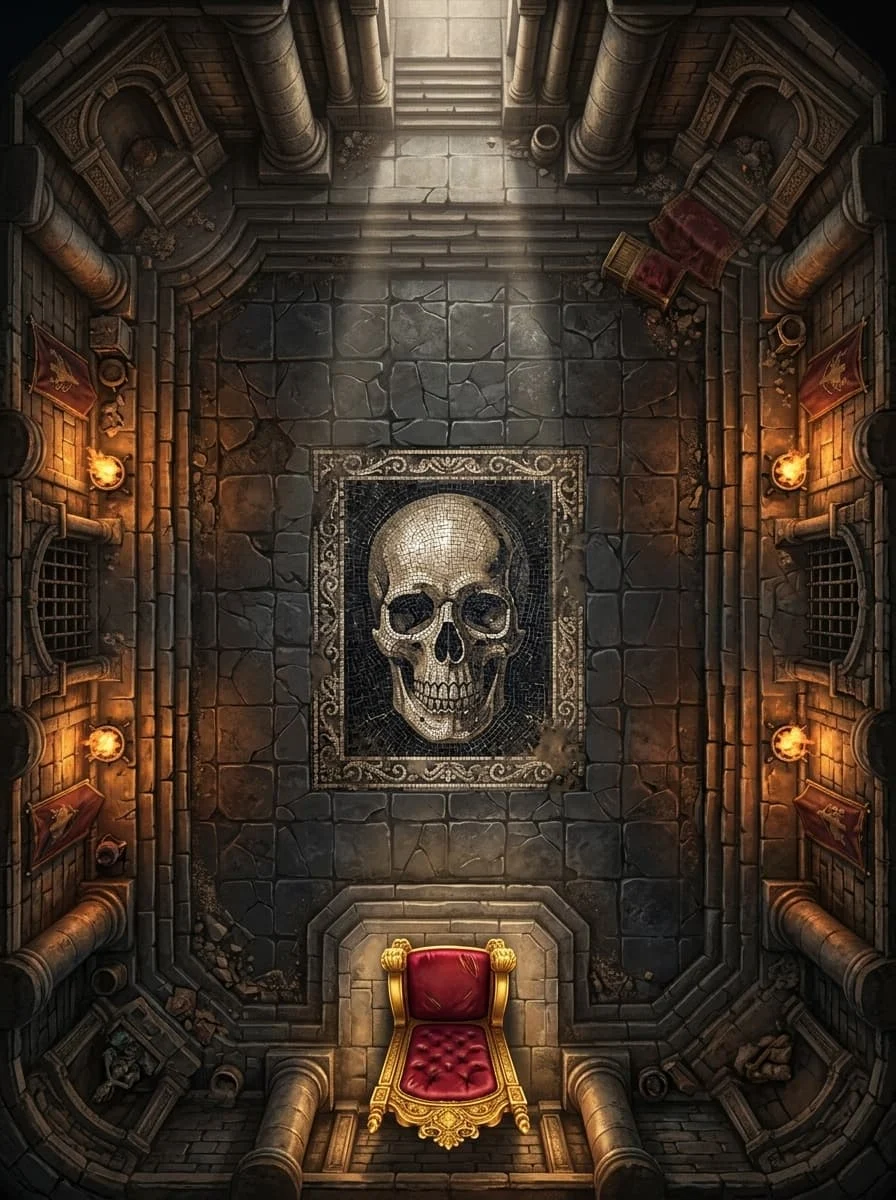
illustration of a torchlit underground throne chamber

Precise layers alongside optional art

Use the dungeon generator layout for measurements and annotations, then add artwork when atmosphere helps you present the location.

Files you can keep

Download an editable backup before changing devices or clearing website data. Keep an independent copy of your prepared location.

Questions about the dungeon generator

DnD Map Maker

Give your next dungeon a clear route

Start with connected rooms in the dungeon generator, then shape doors, passages and floors around your adventure.

Build your map