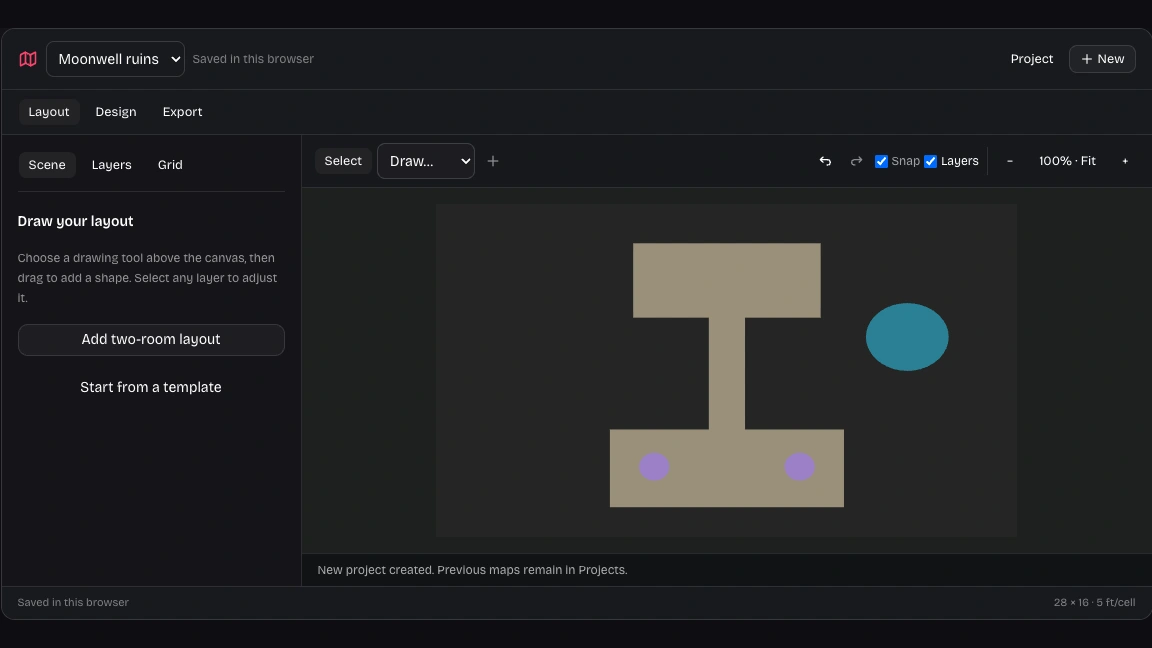
DnD battle map maker for deliberate encounter layouts
Choose a doorway, exposed ground, or a longer route for the encounter. Set the grid, then arrange terrain and helper layers around those tactical decisions.
Create your mapDnD battle map maker with editable routes and cover. Add optional AI artwork, then export your finished map for play.
The DnD battle map maker separates geometry and artwork.
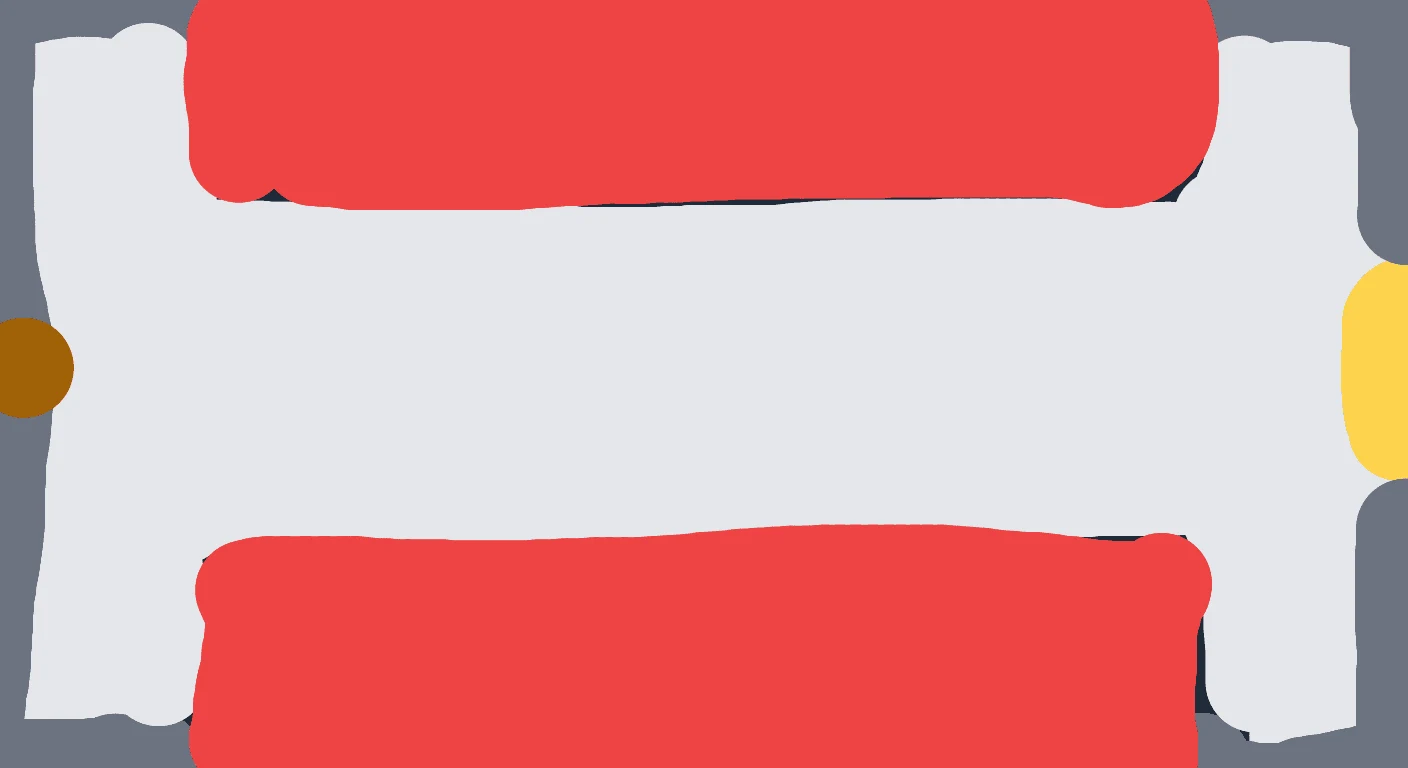
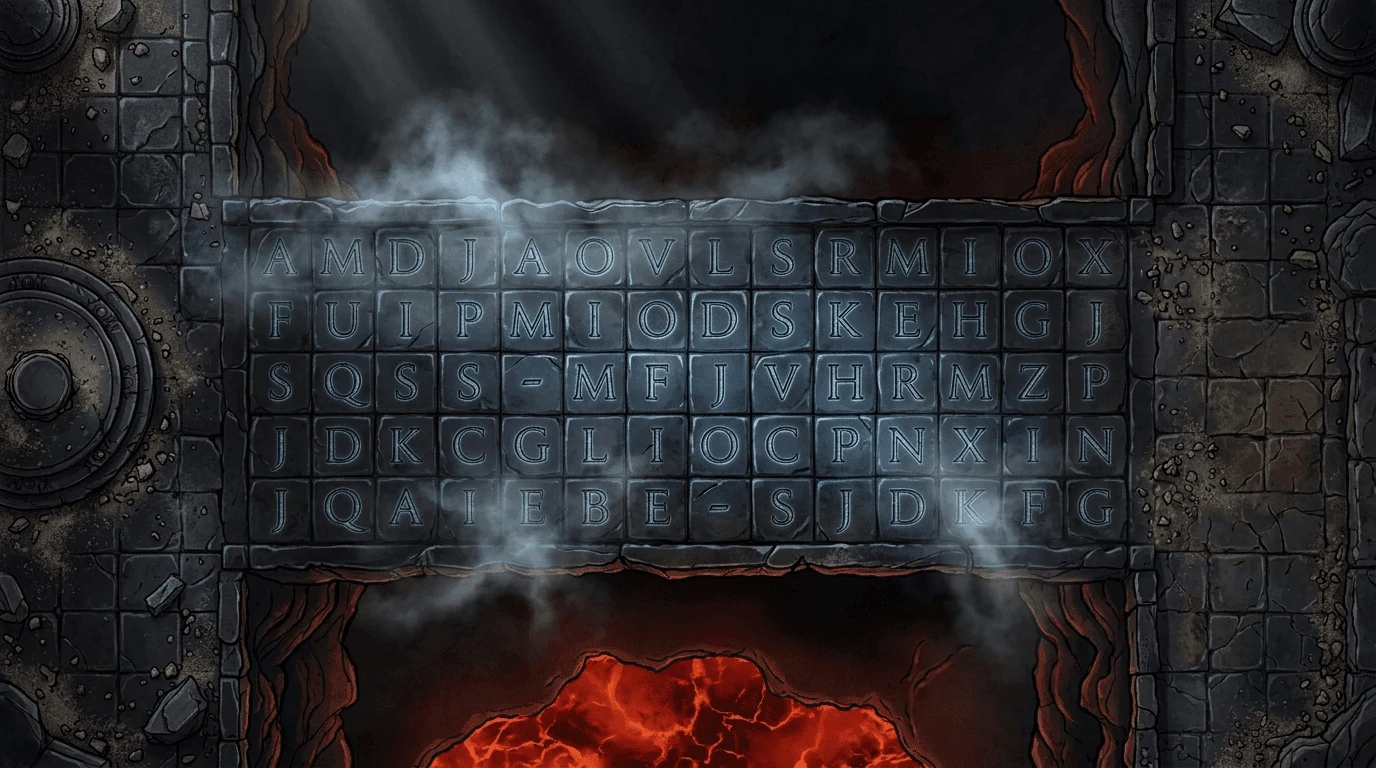
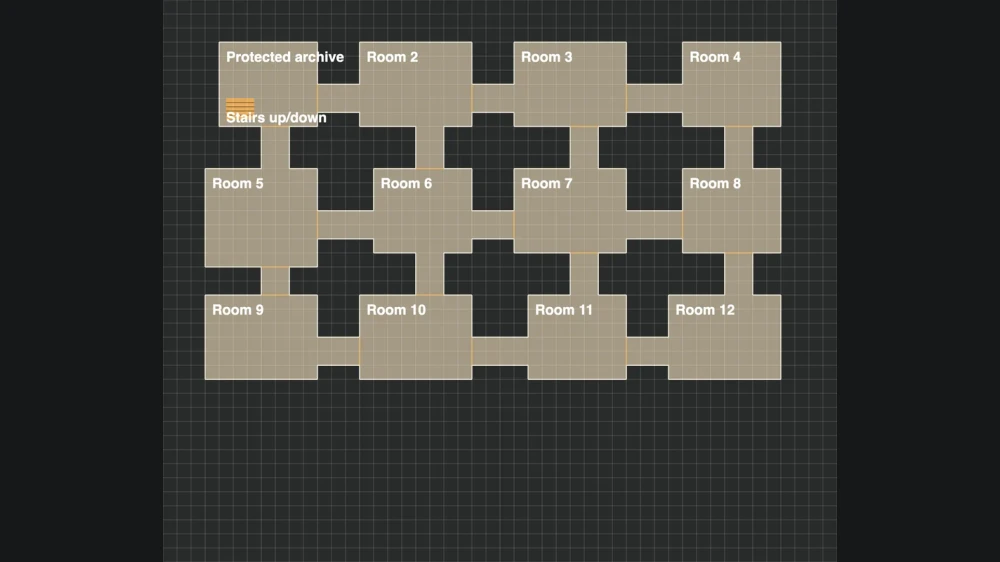
Set rows and columns in the DnD battle map maker, then sketch the main spaces, paths and entrances.
Generate artwork, then select an area to revise. The DnD battle map maker retains current tactical layers when you change images.
Check player view and distance scale, then export PNG, Universal VTT geometry or an editable project backup.
Choose a doorway, exposed ground, or a longer route for the encounter. Set the grid, then arrange terrain and helper layers around those tactical decisions.
Create your map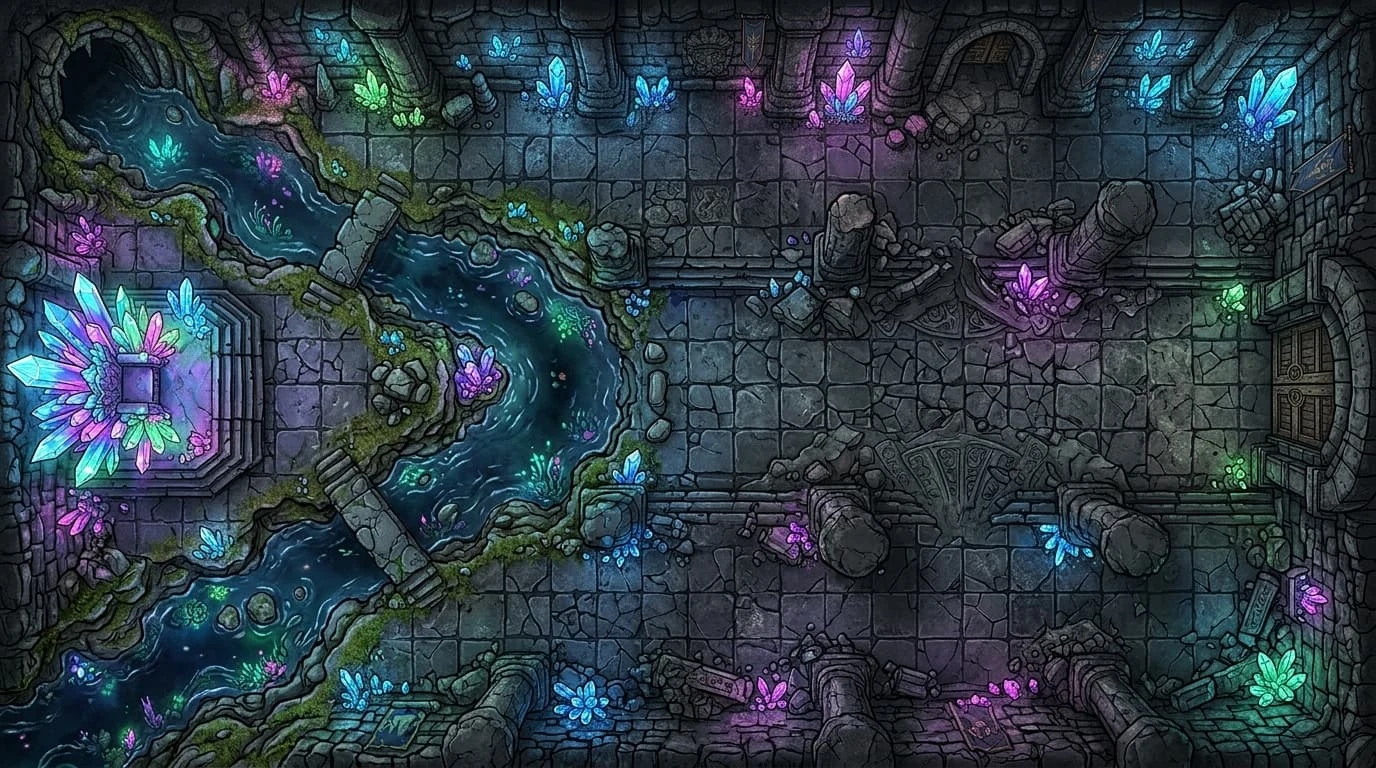
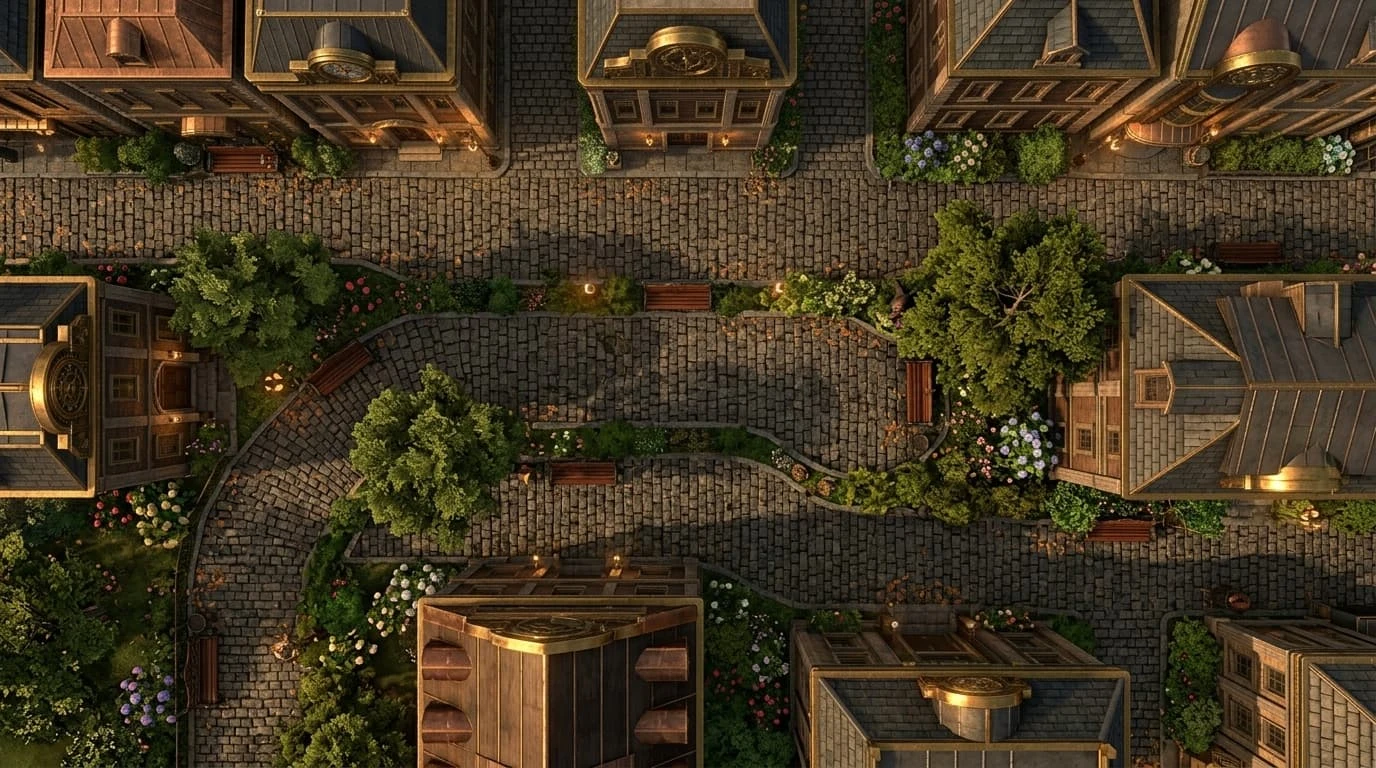
Sketch crossings in the DnD battle map maker before adding atmosphere. Use the illustrated cave as inspiration, then place editable layers for your encounter’s routes and obstacles.
Create your map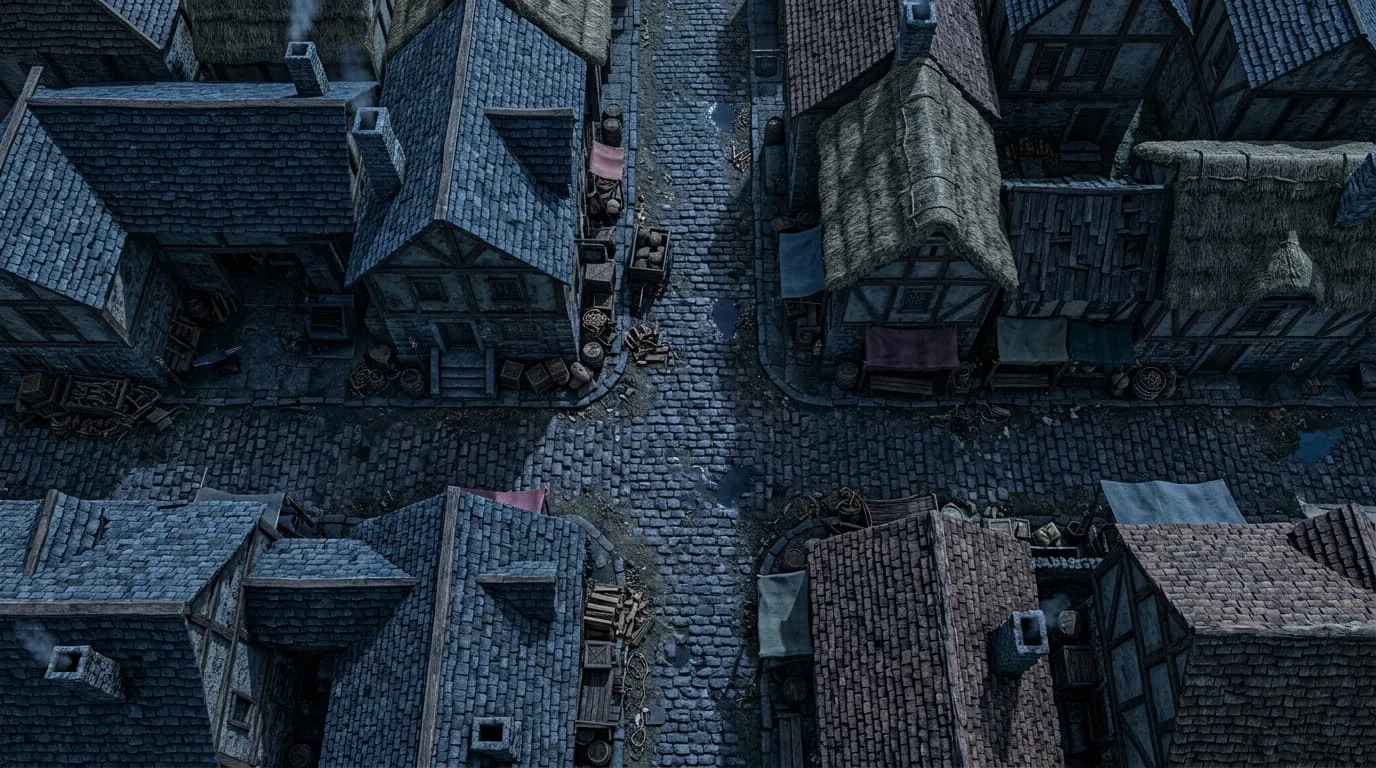
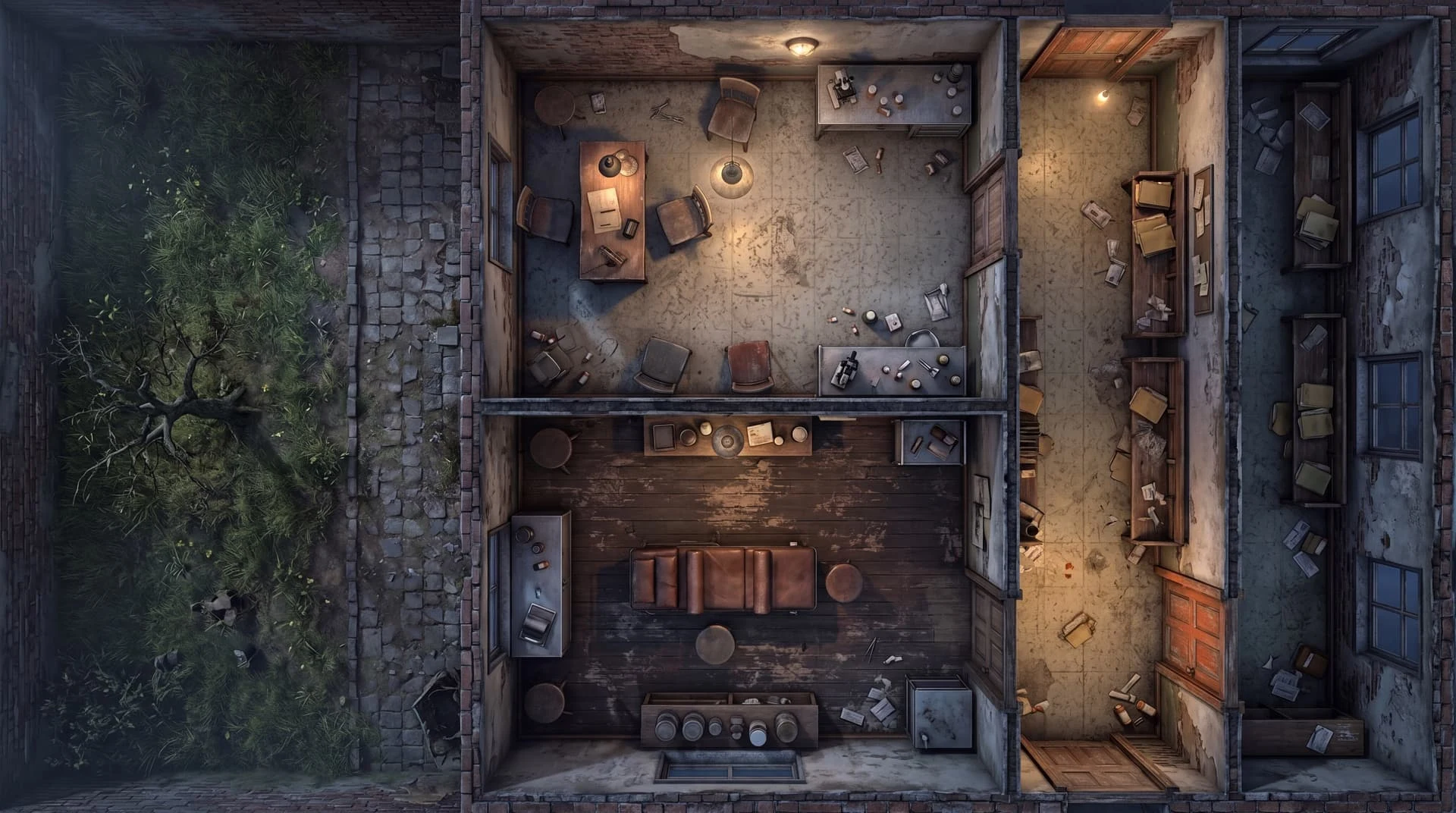
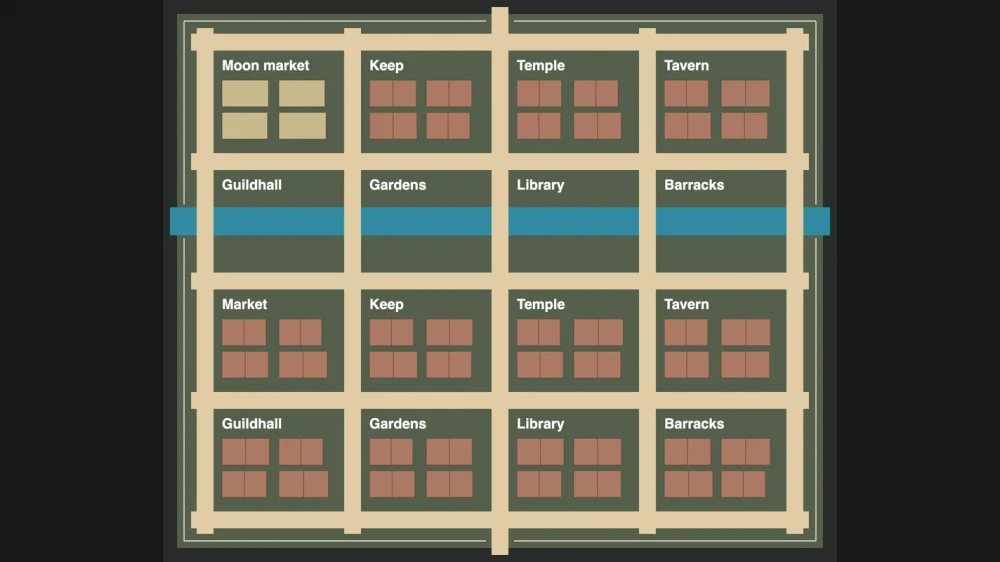
Plan an ambush with the DnD battlemap maker: mark entrances, allow movement between buildings, and preserve an escape route. Layers record positions alongside generated artwork.
Create your map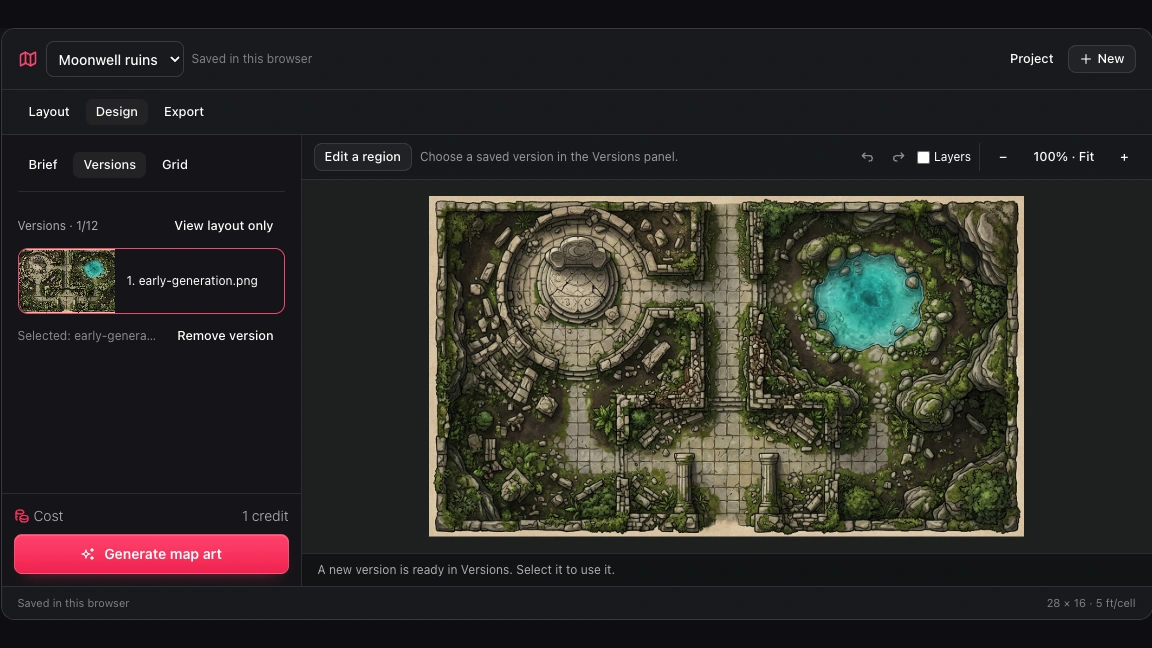
Compare up to twelve image versions before choosing a scene. Switching artwork retains current grid and layer positions, preserving tactical adjustments while you explore another atmosphere.
Create your mapUse the DnD battle map maker to retain encounter geometry, compare artwork, and keep a reusable project for later preparation.
Plan entrances and retreat routes in the DnD battle map maker before adding atmosphere to the encounter.
Move editable walls and doors when a boundary matters. Geometry stays separate from painted details in the background.
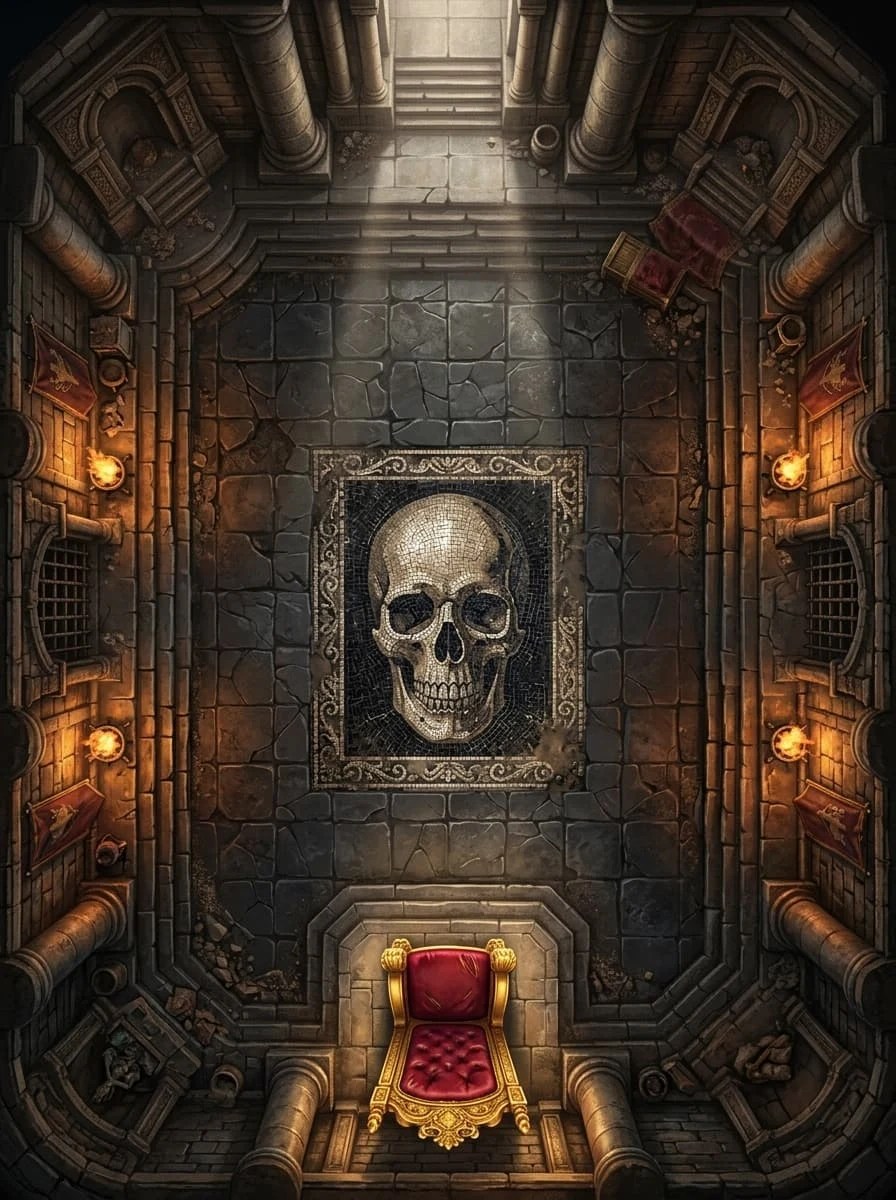
Hide helper walls, doors and labels in the player PNG. Terrain, cover and hazards retain the visibility settings you chose.
Save an editable project backup from the DnD battle map maker before adapting the encounter or revisiting its location.
Drawing, layer editing, saving and file exports are free. Optional AI generation or editing uses one credit per action. Verified accounts can try one generation and one edit on the same project, once in total.
Choose eight to sixty rows or columns in the DnD battle map maker, with adjustable grid color and opacity. Inspect whether important image boundaries line up with the cells.
Universal VTT files include the background and manual wall and door geometry. Your destination may need an importer; check scale and positions in that host before play.
Mark cover, hazards and walkable areas in the DnD battle map maker. Use your game system to decide their effects; these editable layers organize the encounter’s terrain.
Select a rectangle and describe the replacement. Pixels outside it remain unchanged. Adjust matching manual layers separately if the new image changes a tactical boundary.
The player export hides wall, door, label and walkable guides. Ground, water, cover and hazards follow their visibility settings, so check the result before sharing.
PNG output from the DnD battle map maker uses forty-eight pixels per square. Set physical scale in your print settings and measure a small test section before printing the battlefield.
This is a map creation tool. Prepare images and geometry here, then use the exported files at your table or in a compatible virtual tabletop with its required importer.
Choosing an older image in the DnD battle map maker changes the artwork while retaining current geometry and grid. Keep a project backup when you need to preserve a particular combination.
Import your background, then set its grid and manual layers. Keep the original file and check alignment before exporting the version you intend to use during play.
Open the DnD battle map maker on another device and sign in to the same account. Saved projects and artwork are available there; guest drafts remain in their original browser until imported.

Open the DnD battle map maker and shape the rooms, routes and cover your next encounter needs.
Create your map